Blog
Five free ways to keep up with CVEs, and one that does it for you
- security
- advisories
- free tools
NVD published 32 Critical and 104 High CVEs this week. Nobody reads all of that. Here is what we built to make the feed readable: a free CVE page with CISA KEV and EPSS, a page for every CVE and every exploited vendor, a lockfile checker that runs in your browser, a Monday email and a markdown feed your agents can watch.
In the last seven days NVD published 32 Critical and 104 High CVEs. In the last thirty, CISA added 34 vulnerabilities to its Known Exploited Vulnerabilities catalog, which now lists 1,769 vulnerabilities that attackers have used. Nobody reads all of that, and nobody should have to.
On Monday we wrote that the fix is usually published before the attack. The hard part is not finding the feed. It is knowing which few entries matter to you, today. This week we shipped five free things that do that part, and they need no account.
1. One page with the week that matters
Latest CVEs lists every Critical and High CVE NVD published in the last seven days, what CISA added to KEV in the last thirty, and the EPSS score of each: FIRST's estimate of the chance it is exploited in the next thirty days. It refreshes every thirty minutes. Filter by CVE, vendor or product, or narrow it to Critical.
The order to patch in is the one line worth remembering: what is in KEV first, then high EPSS, then high CVSS. A 9.8 nobody is exploiting can wait a day. A 7.5 in KEV cannot.
2. A page for every CVE and every exploited vendor
Every CVE ID now opens a page of its own, such as Log4Shell. It answers the two questions people search for, is it exploited and how do I fix it, in a few sentences at the top. Below that: NVD's description, the CVSS vector read out in words (network or local, privileges needed, user interaction), CISA's required action and due date, the EPSS odds, and the affected packages with the versions that fix them, from the GitHub advisories OSV.dev links to.
Exploited vulnerabilities by vendor ranks all 291 vendors in CISA's catalog. Microsoft leads with 390 entries, then Cisco with 102 and Apple with 96, which says as much about how widely they are deployed as about their code. Each vendor page lists every entry, newest first, by product, with how many fed ransomware campaigns.
3. A lockfile checker that never uploads your lockfile
A feed tells you what was published. It does not tell you what you ship. Vulnerability check does: drop a package-lock.json, pnpm-lock.yaml, yarn.lock, requirements.txt, go.mod, Cargo.lock, composer.lock or Gemfile.lock. Your browser parses it, sends only package names and versions to OSV.dev, and lists every advisory that applies, exploited ones first, each with the version that fixes it.
We ran it on our own web app's lockfile: 739 package versions, nine advisories, the worst a High in undici fixed in 7.30.1.
4. A Monday email and an RSS feed
If you would rather not come back to a page, subscribe on the feed. Every Monday you get what CISA added to KEV that week, with due dates and ransomware use, and the week's Critical CVEs ordered by how likely they are to be exploited. You confirm the address before anything is sent, and one click unsubscribes and deletes it. The same feed is RSS.
5. A markdown feed for your agents
If you run agents, point one at /cves.md. It is the whole feed as plain markdown, built for a model to read without rendering a page, so an agent can check it on a schedule and tell you when a vendor or package you use shows up.
The one that does it for you
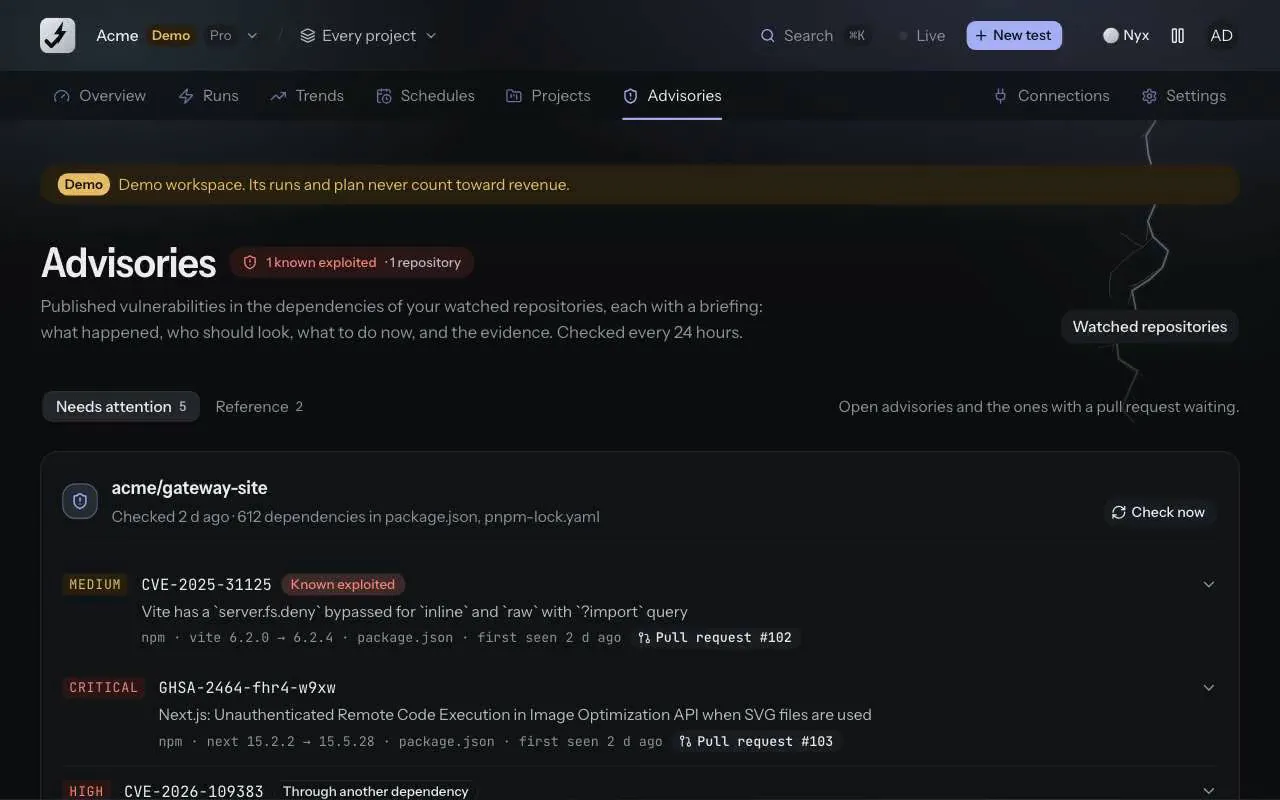
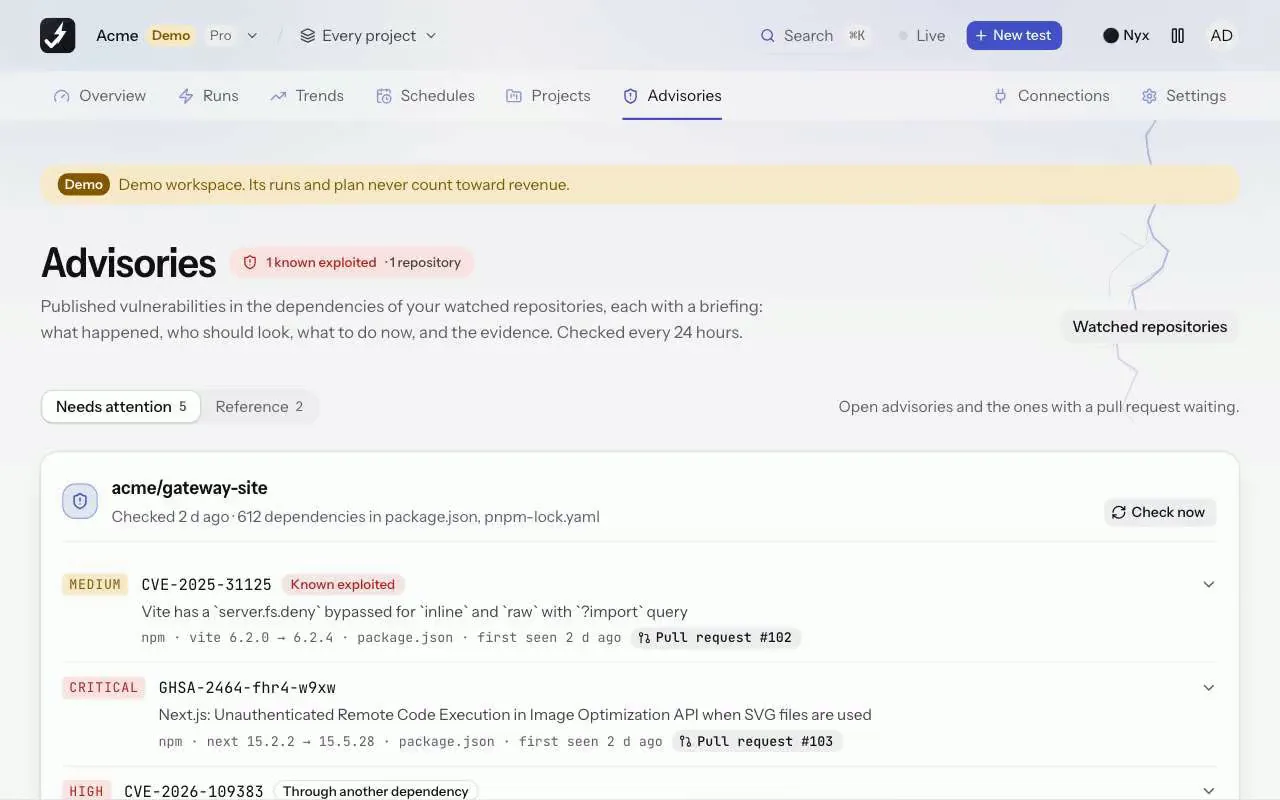
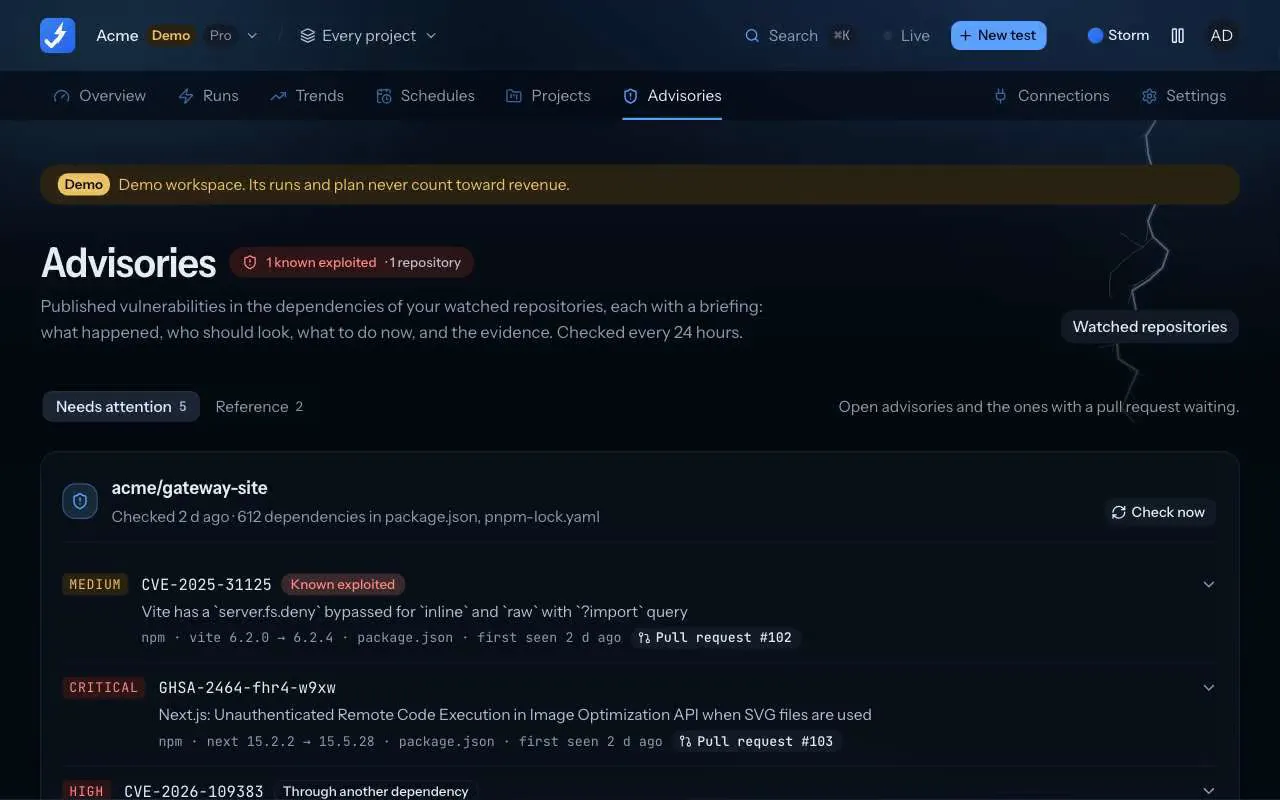
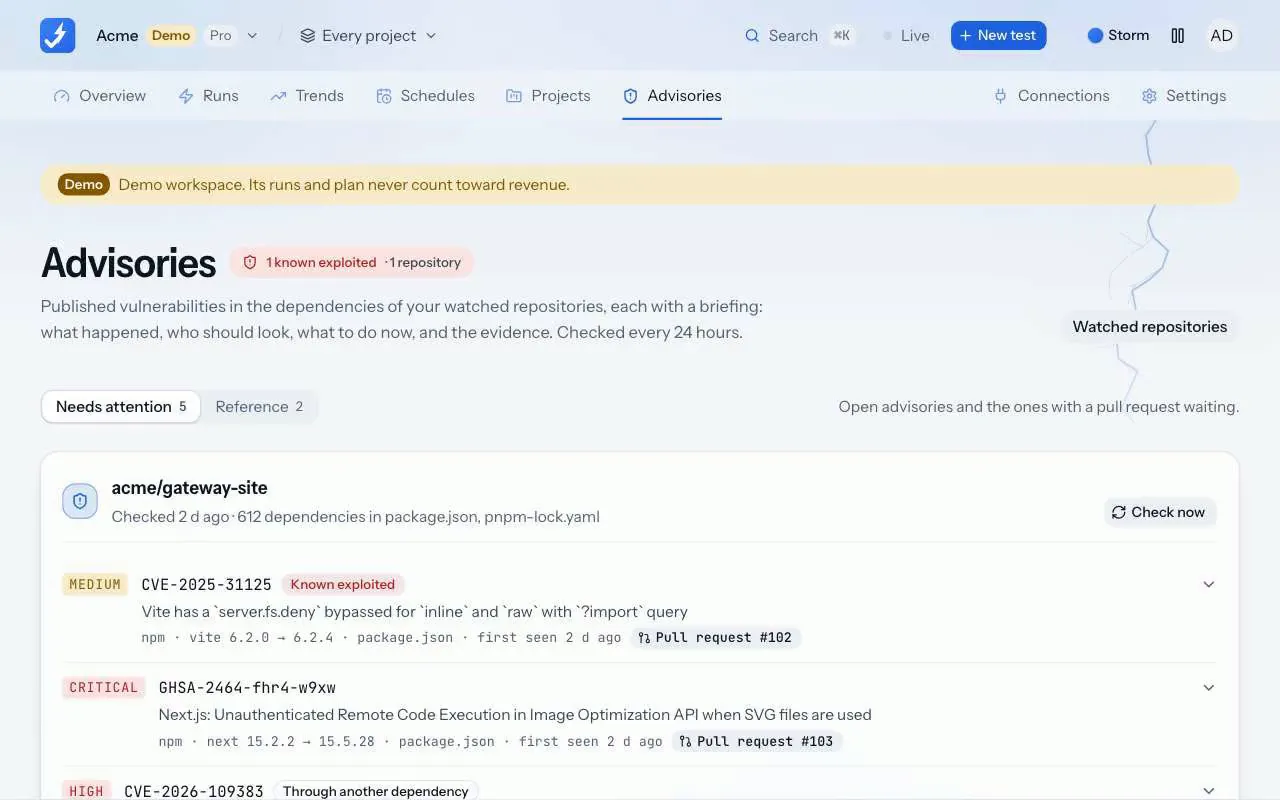
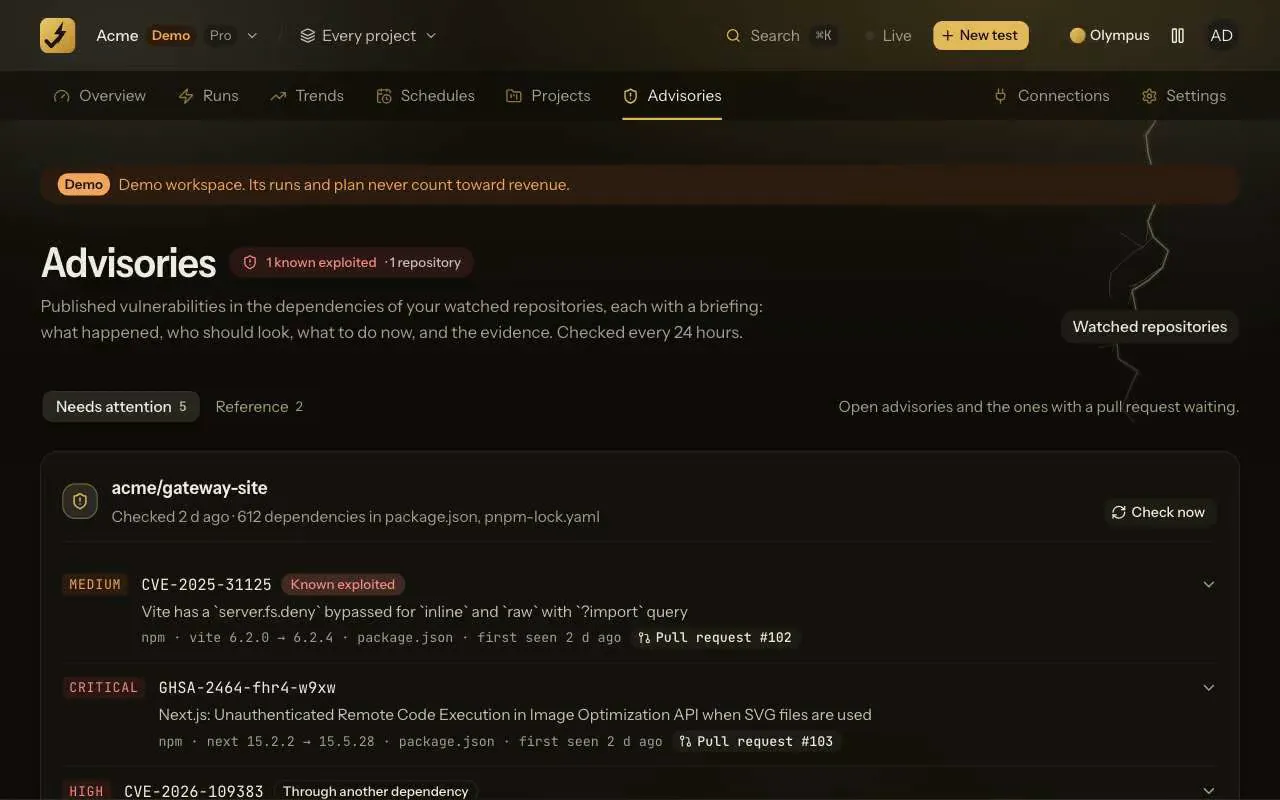
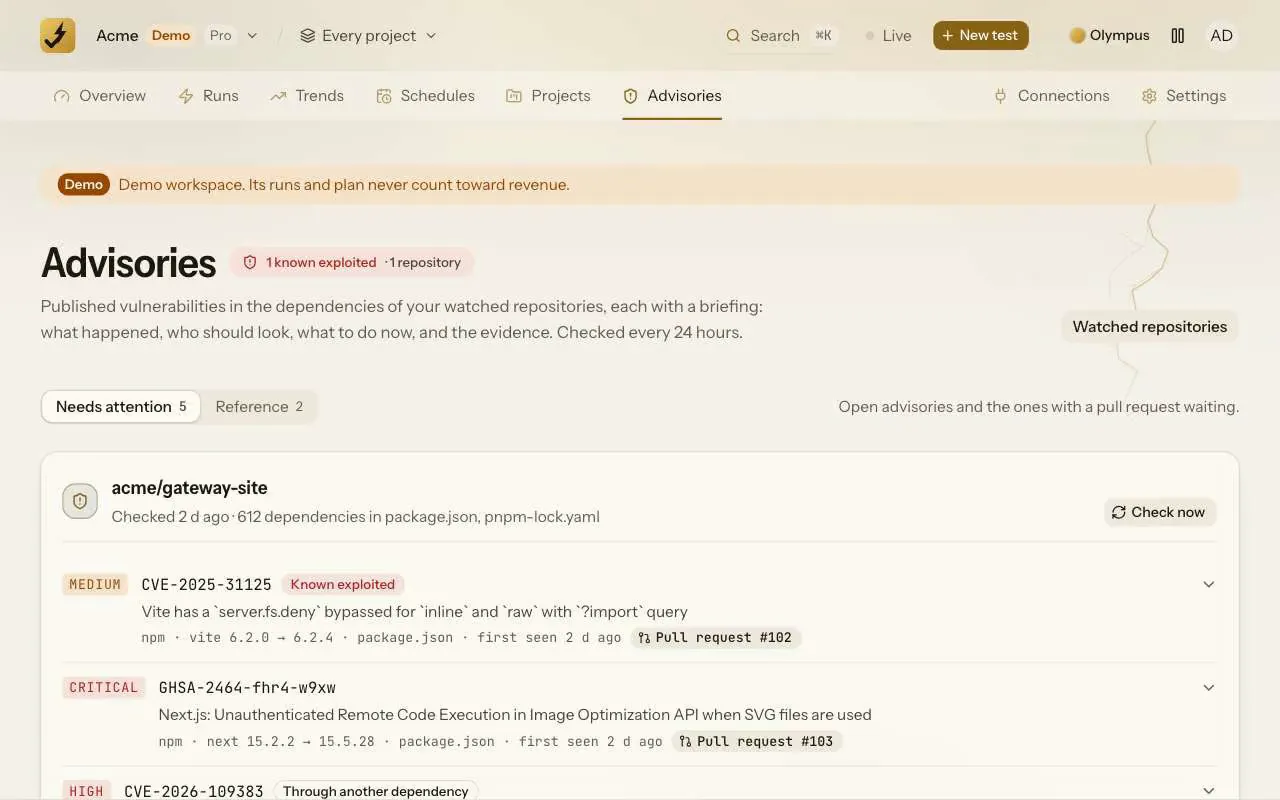
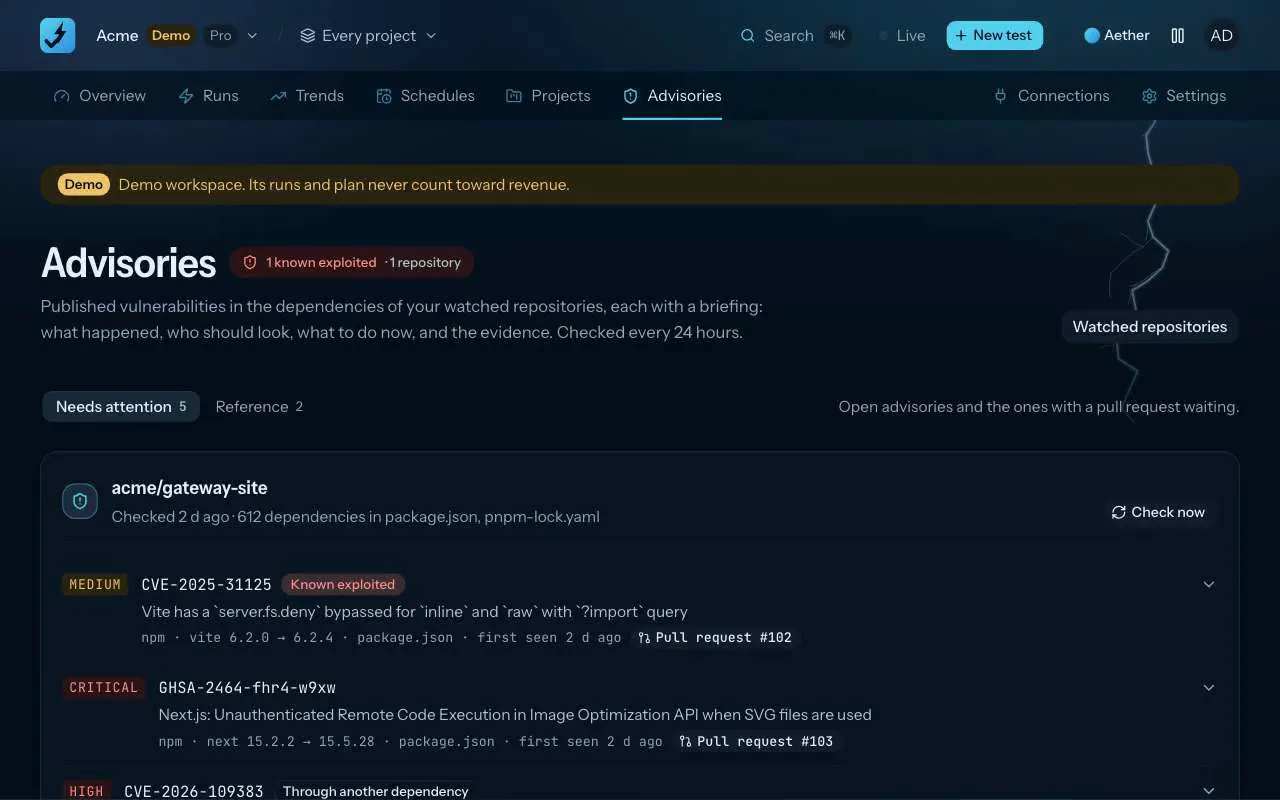
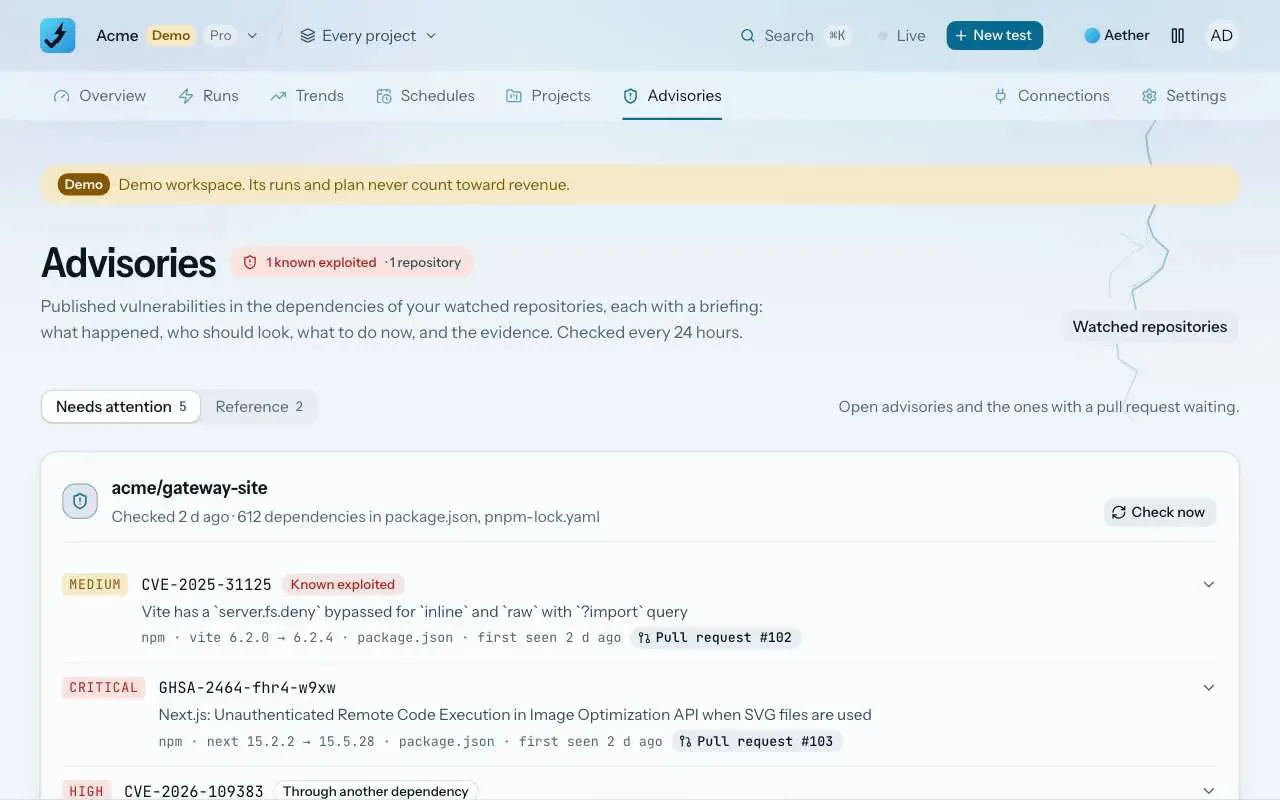
All five tell you about the world. Vulnerability watch tells you about your repository. On Pro and Team it reads a connected GitHub repository's manifests every day, checks each package version against OSV.dev and KEV, writes a briefing per advisory (what happened, who should look, what to do now, the evidence) and opens the upgrade as a pull request. New advisories go to Slack or Discord. A repository with the watch on can now show a README badge that says its dependencies are watched, and nothing more.
It is not the only way to do this, and for some teams not the best. Dependabot is free on GitHub and opens more fix pull requests; Socket catches malicious packages that have no advisory yet; Snyk covers your own code and your containers too. We wrote honest comparisons with each, including when to pick them instead.
What we will not do is pretend the feed is optional. The attacks in Monday's post did not need anything new. They needed a version somebody had already documented as broken, and a week in which nobody read the page.
Part of the ZeusQA blog. Follow new posts with the RSS feed, and every release in the changelog.
Try it on your own site
Paste a URL, describe the flow in plain English, and watch a real browser do it. Three runs free, no card.