NewEvery run is also a Playwright test

Describe the test.
A real browser runs it.

A model clicks through your site like a user, looks at every screen and hands back a verdict with the evidence.

3 runs free · no card · laptop, tablet and phone

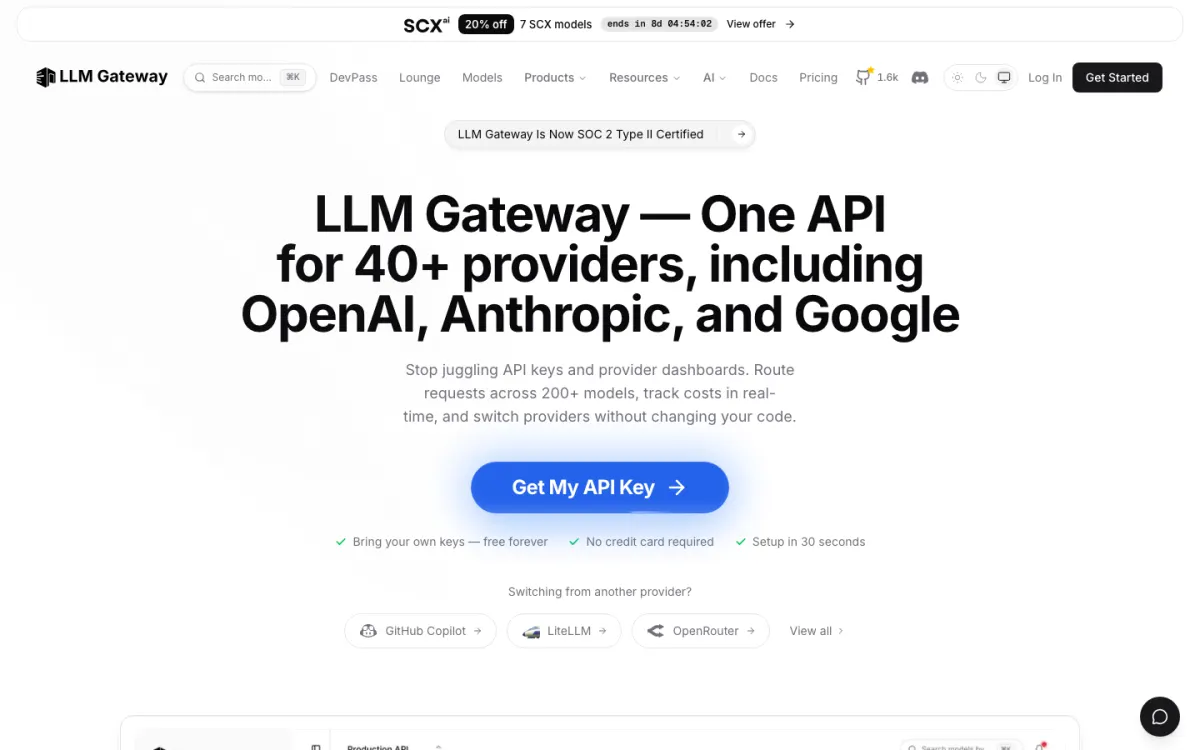
https://llmgateway.io/Live
Step 1 of the llmgateway.io sign-up run: Inspect the landing page before testing sign-upStep 01 · Look
Inspect the landing page before testing sign-up
A real run · llmgateway.io · gpt-5.6-luna
  1. 01Inspect the landing page before testing sign-up115 ms
  2. 02Identify the primary sign-up call to action156 ms
  3. 03Open the primary sign-up page712 ms
  4. 04Inspect sign-up fields and constraints120 ms
  5. 05Check validation when submitting the empty form636 ms
  6. 06Check invalid email and weak password validation666 ms
  7. 07Submit the requested throwaway account1,601 ms
  8. 08Verify post-sign-up onboarding and collect diagnostics1,289 ms
Pass8 of 8 checks · 1m 13s
Any vision modelGPT-6 AstraGPT-5.6 SolGPT-5.6 LunaClaude Sonnet 4.6Claude Haiku 4.5Gemini 3 ProGemini 3.5 FlashDeepSeek V4

How it works

Start it anywhere. Get everything back.

  • The appPaste a URL, pick a device
  • Pull requestsEvery commit, on its preview
  • SchedulesHourly to weekly
  • Your coding agentOver MCP
A ZeusQA run
  • A real browser, in the cloud or your Chrome
  • Any vision model on LLM Gateway
  • Jev judges every step
  • Verdict and checksPass, fail or blocked
  • FindingsEach with its evidence
  • Playwright testReplay it, keep it
  • Comment and emailWhere your team looks

Playwright export

Every run writes its own test.

  1. 1Explore
  2. 2Write
  3. 3Replay
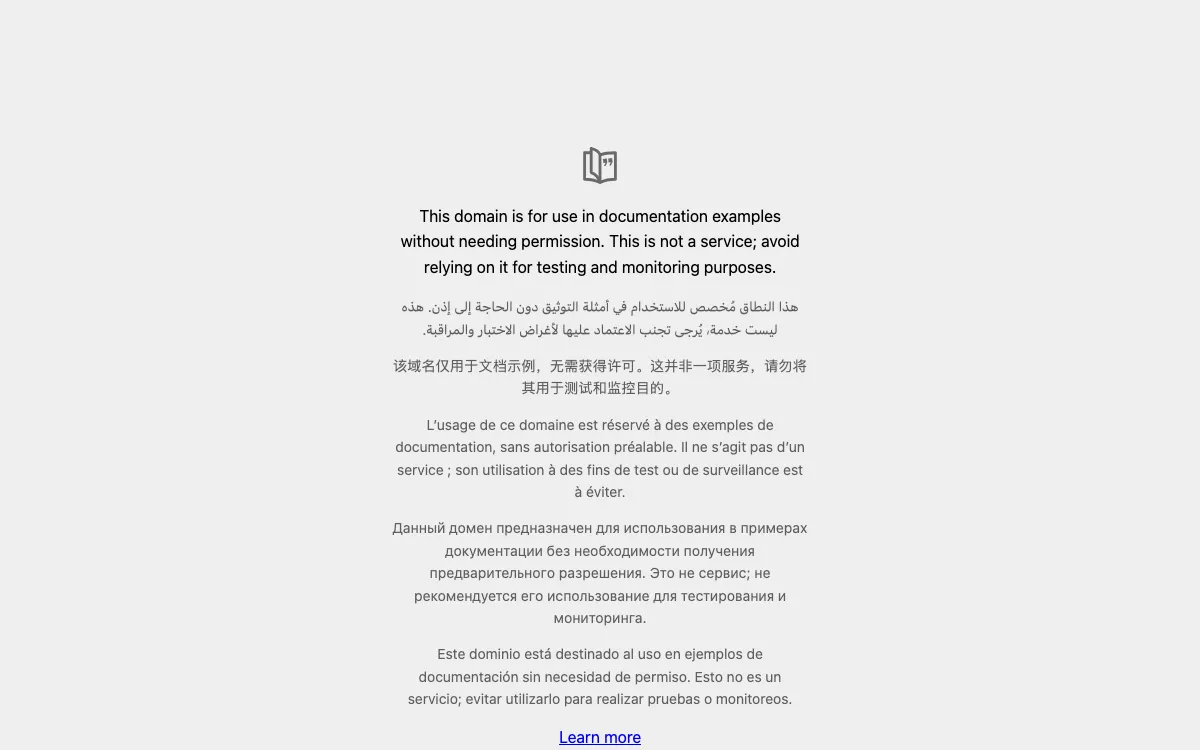
https://example.com/
The page the run tested: example.com
  1. 1Capture initial state of example.com
  2. 2Inspect structure, links, images and errors
  3. 3Verify the “Learn more” link
  4. 4Verify CSS, SVG and final diagnostics
  5. 5Verify HTML structure and security
zeusqa-run_mvwspsyn_ec5ccaf6.spec.tstrimmed
import { test } from "@playwright/test";

test("Run a smoke test of the site", async ({ page }) => {
  await page.goto("https://example.com/");  await test.step("1. Capture initial state of example.com", async () => {
    const screenshot = await computer.screenshot();
  });  await test.step("2. Inspect page structure, links, images, and check for errors", async () => {
    const links = await page.locator('a[href]').evaluateAll((els) => els.map((el) => el.href));
    const diagnostics = computer.diagnostics();
  });  await test.step("3. Verify the \"Learn more\" link is valid and accessible", async () => {
    const learnMoreLink = page.locator('a:has-text("Learn more")');
    const response = await page.request.head('https://iana.org/help/example-domains');
  });  await test.step("4. Verify CSS loading, SVG rendering, and final diagnostics", async () => {
    const svgElements = await page.locator('svg').count();
    const finalDiagnostics = computer.diagnostics();
  });  await test.step("5. Verify HTML structure and security", async () => {
    const htmlLang = await page.locator('html').getAttribute('lang');
    const hasViewport = await page.locator('meta[name="viewport"]').count();
  });});
Replay
Playwright exportRun run_mvwspsyn_ec5ccaf6 on zeusqa.ai, 31 Oct 2026. Code trimmed to a few real lines per step.

What a script walks past

The flow passed. The run failed.

Searching MDN for “flexbox” worked end to end. The console did not: 22 errors on the result page. A recorded script clicks straight past that. ZeusQA reports it.

Run run_mu4c9jds_c39674a4, 16 Sep 2026. Checks and finding quoted from the report.

Faildeveloper.mozilla.org5/6 checks · 35s

Smoke test: take a screenshot, open the site search, search for 'flexbox', verify results appear and open the first result. Then check computer.diagnostics() and submit the report.

  • Initial homepage screenshot captured
  • Site search opened
  • Search for flexbox
  • Results appear
  • First result opened
  • Diagnostics checked
mediumInvalid sandbox attribute console errors on Flexbox page

After opening the first search result, computer.diagnostics() reported 22 console errors: “Error while parsing the 'sandbox' attribute: 'allow-fullscreen' is an invalid sandbox flag.” The page otherwise loaded successfully and there were no uncaught page errors or failed network requests.

Evidence · Steps 5 and 6
On every pull request

Test it. Fix it. Then merge.

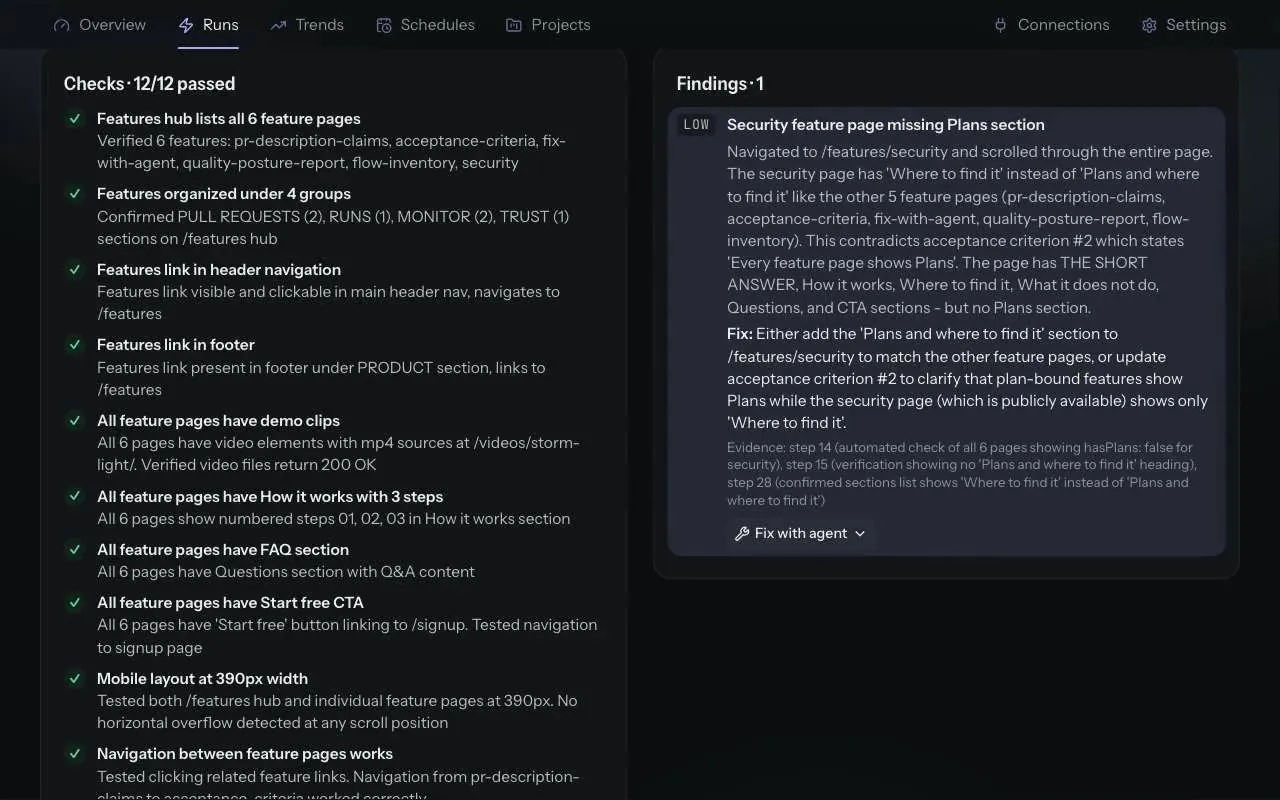
ZeusQA tests what the pull request says it changed, marks each acceptance criterion and reads the traffic for security problems. A failing run fails the ZeusQA check unless all it found is below the severity the repository blocks at, High by default, which reports as neutral. With the check required, the merge waits for the fix.

Recorded in the demo workspacePull request claims: how it works
  1. The title and description become checks, run in a real browser on the preview.

  2. Each item under Acceptance criteria or Test plan, marked met, not met or not checked.

  3. Headers, cookies, mixed content, redirects, source maps and leaked secrets, read from traffic the test already caused.

  4. Copy a prompt, or open it in Cursor or Claude Code, from any finding.

  5. Runs per week, pass rate and findings by severity, with a CSV of each table.

Pricing

Start free. Pay when you ship more.

Every plan runs the same real browser and the same models. Plans differ in runs and people.

Free

Try it on one site.

$0/mo

  • 3 test runs (total)
  • 1 project
  • Jev in every run
  • Live browser view
  • Findings in your editor (MCP)
  • Community support
Start free

Pro

Most popular

For one developer, testing daily.

$39/mo

  • 300 test runs / month
  • Unlimited projects
  • Jev in every run
  • Live view + session video
  • Security review of pull requests (100 commits / month, 20 / day)
  • Vulnerability watch on 10 repositories, with fix pull requests and Slack or Discord alerts
  • 10 schedules
  • Findings in your editor (MCP)
  • Priority models (Astra)
  • Email support
Upgrade to Pro

Team

For a team sharing one QA budget.

$149/mo

  • 1,500 test runs / month
  • Organizations with members
  • Roles & shared projects
  • 50 schedules
  • Security review of pull requests (500 commits / month, 20 / day)
  • Vulnerability watch on 50 repositories
  • Everything in Pro, Jev included
  • Priority support
Upgrade to Team

Prices in USD, billed monthly through Stripe. Compare plans

Questions

Your first run takes about a minute.

What is ZeusQA?

You give ZeusQA a URL and describe the test in plain English. It opens a real browser, works through the flow like a user, and returns a verdict: what it checked, what broke, and a screenshot of every step. On Pro and Team it can also record a video of the session.

How is it different from Playwright or Cypress?

Those run the script you wrote, and break when the page changes. ZeusQA works out the steps from your description and adapts as it goes, so it catches console errors, failed requests and layout problems a fixed script walks past. And you keep the repeatability: every run is also a plain Playwright test you can replay from the run page with no model, or run in your own CI. Full comparison at zeusqa.ai/vs/playwright.

Which AI models can I use?

Any vision model on LLM Gateway that can drive a browser — GPT-6 Astra, Claude, Gemini and others. Pick speed (Luna, Haiku) or depth (Astra) per run. Image generators and embedding models are filtered out: a QA run cannot use them.

How much does it cost?

Free includes 3 test runs. Pro is $39/month for 300 runs, unlimited projects, 10 schedules, live view and optional video. Team is $149/month for 1,500 runs, 50 schedules and organizations with members.

Do I need to verify my email?

You can sign up and run free tests immediately. Email verification is required before subscribing to a paid plan.

Is it safe to run on my site?

It never follows instructions it finds on the page, and it avoids destructive actions unless you allow them in the prompt. It is a real browser clicking real buttons, so point it at staging and use throwaway accounts for anything that writes data.