Feature · Runs
Every run is a Playwright test you keep
Read, download or replay any run as a plain @playwright/test file.
The short answer
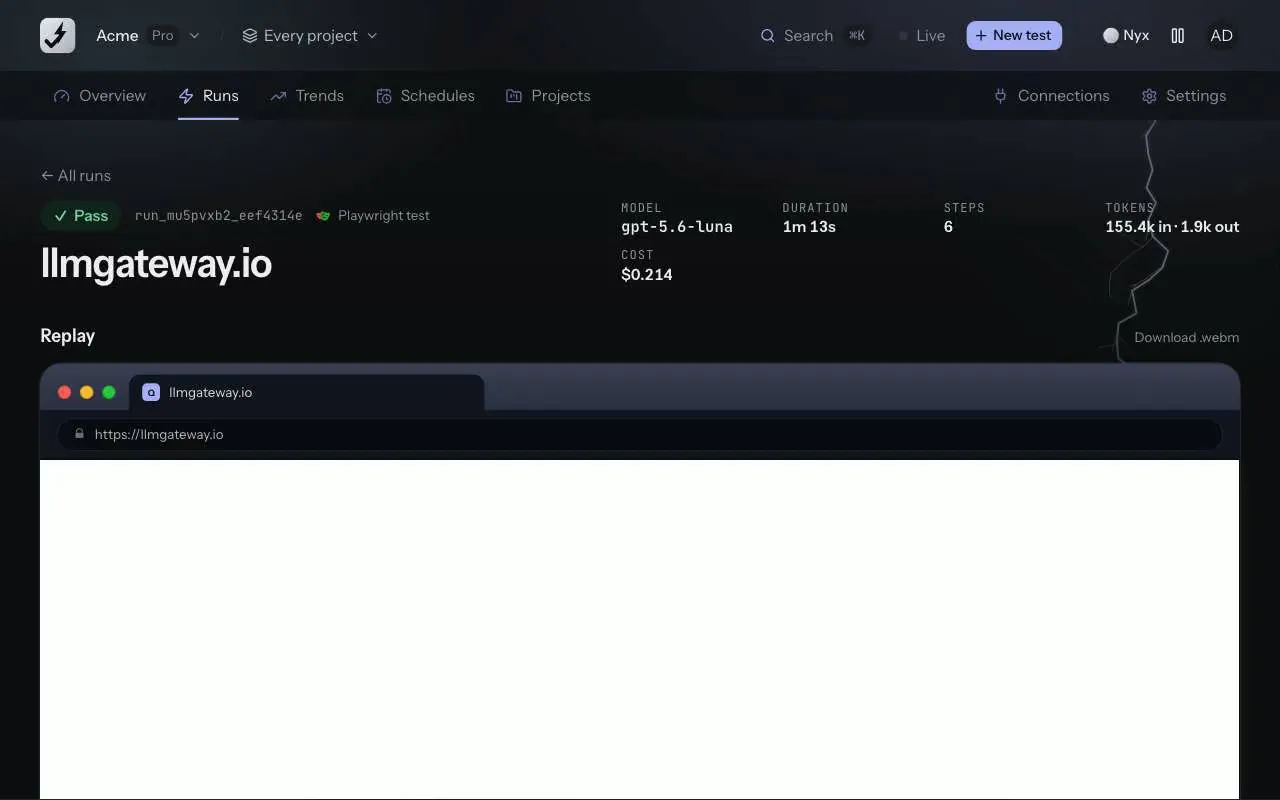
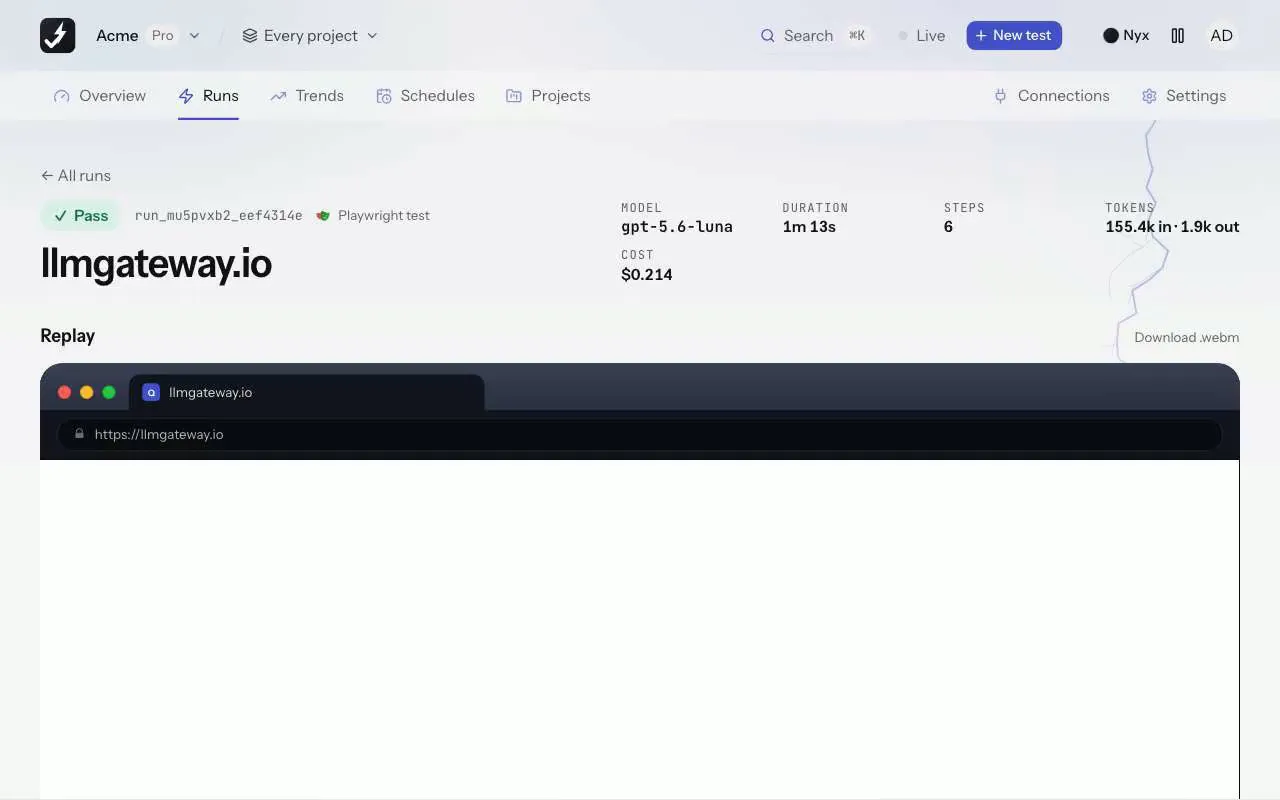
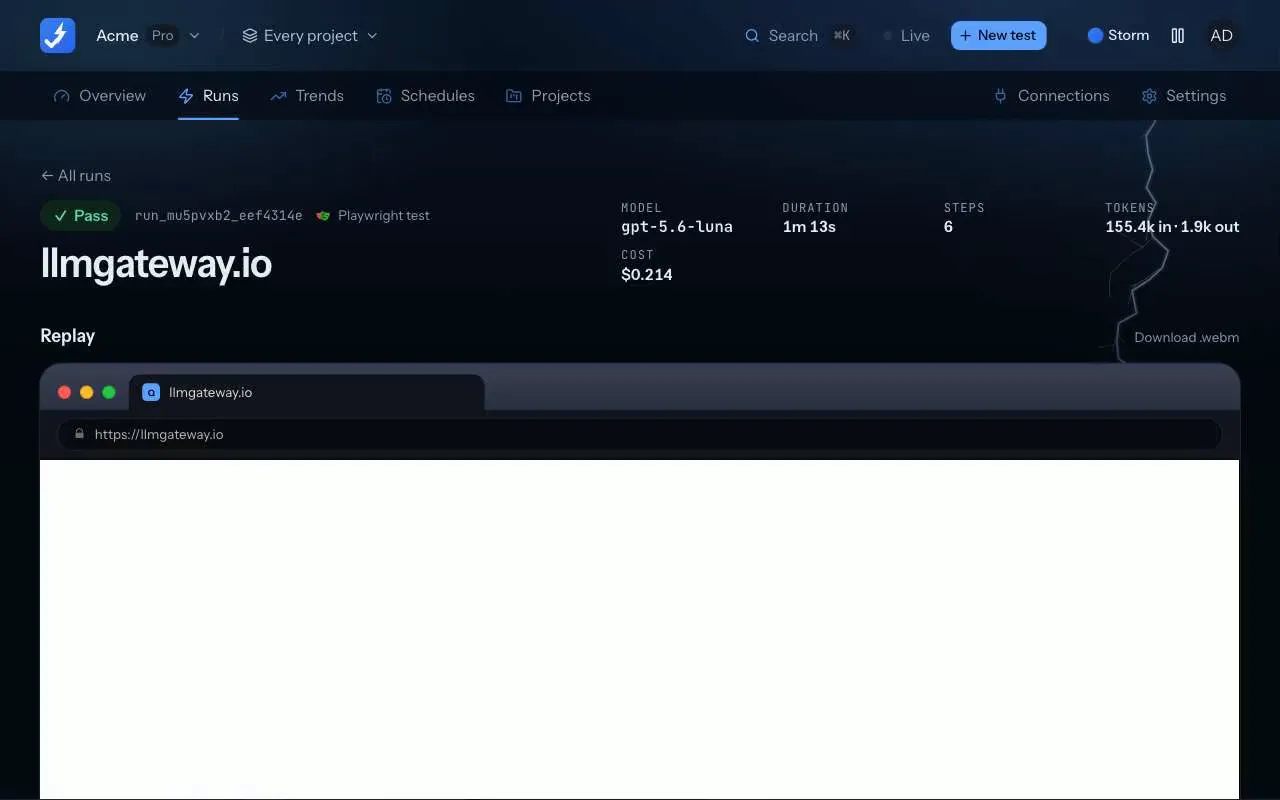
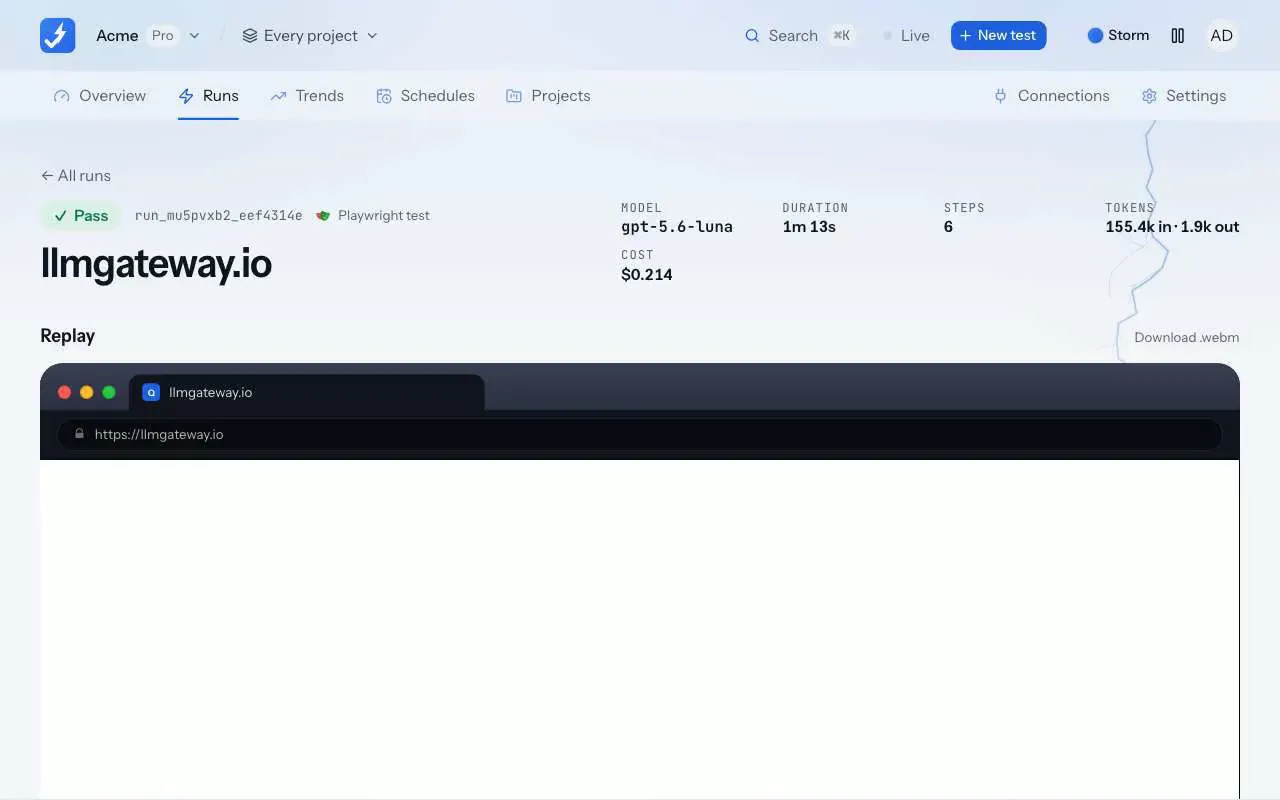
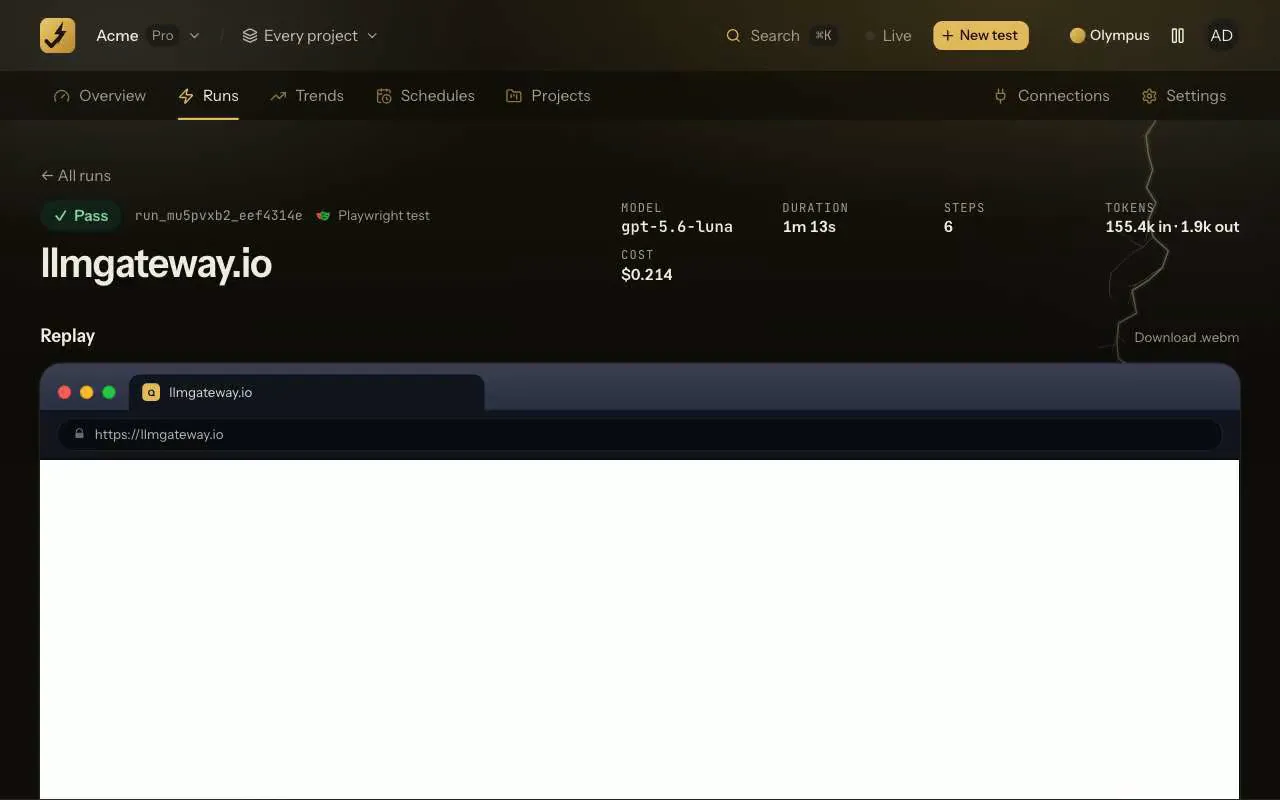
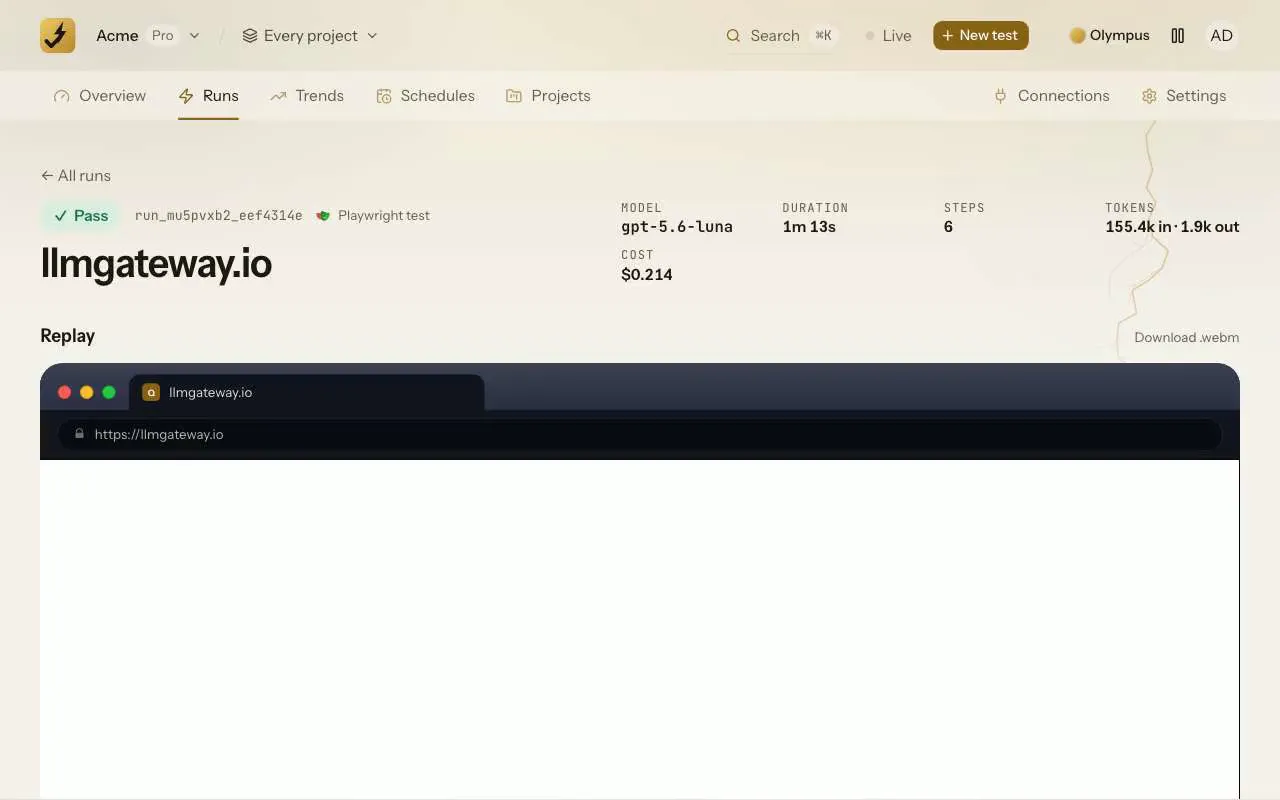
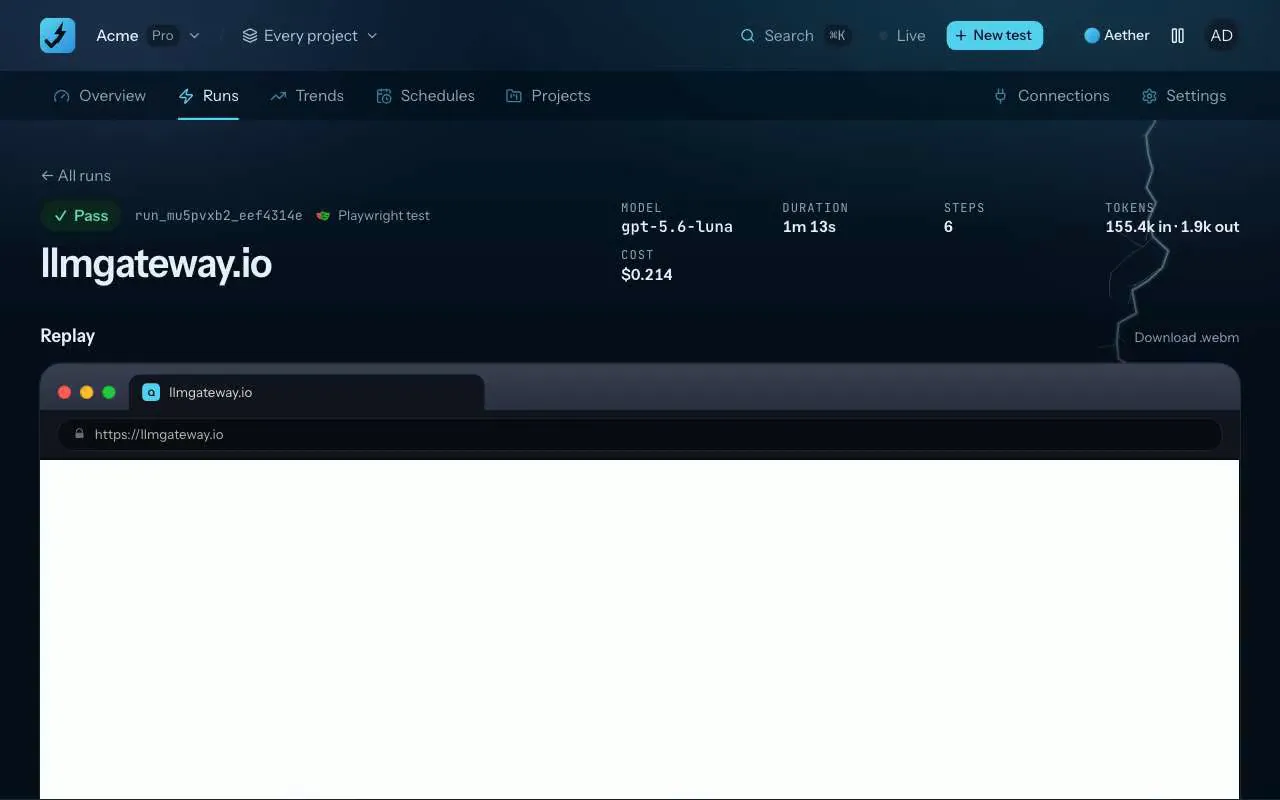
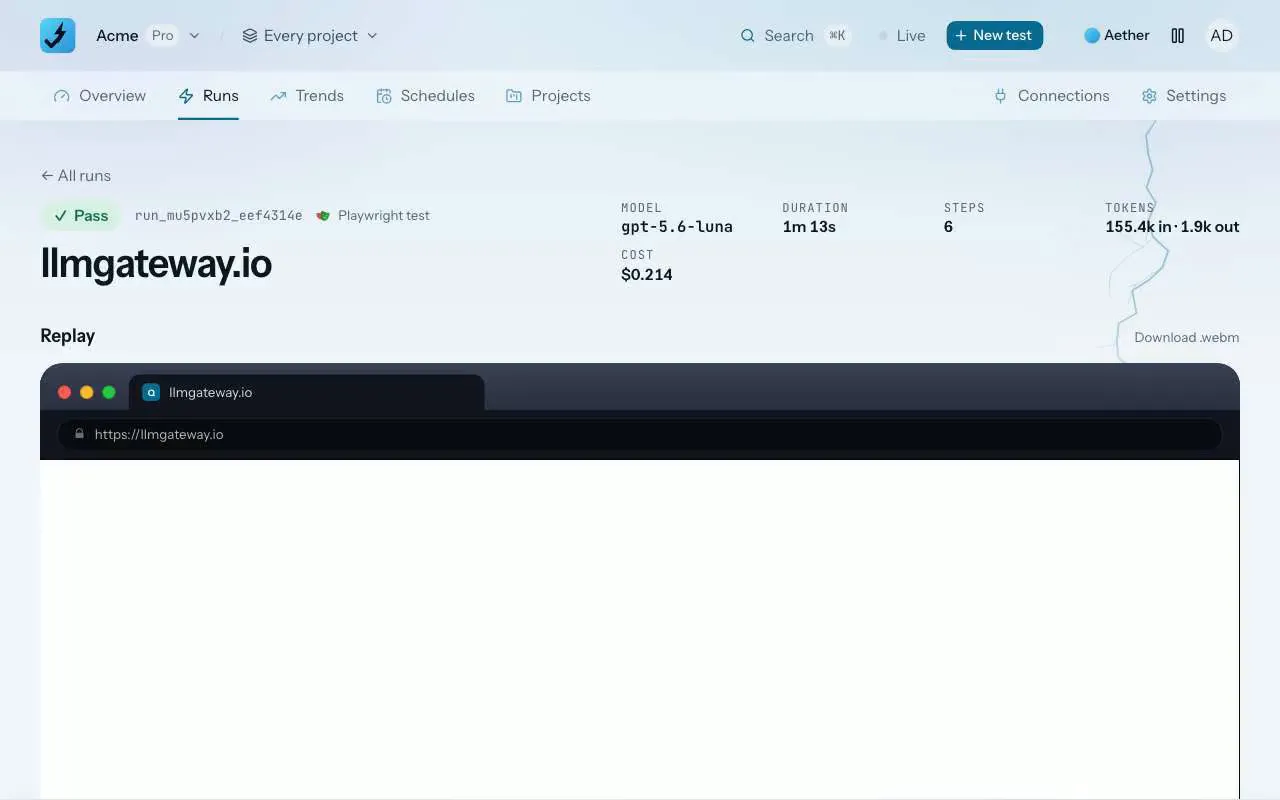
Every ZeusQA run is also a Playwright test. The run page shows the steps the agent took as a plain @playwright/test file, with each step named. Replay it there in a fresh browser with no model, see which step passed or broke with a screenshot, or download it and run it with npx playwright test in your own CI.
How it works
Run a test
From the app, a pull request or, on Pro and Team, a schedule. The agent writes a short Playwright script for every step it takes.
Open the Playwright test
On the finished run, next to its id. View the code, copy it, or download it as a .spec.ts file named after the run.
Replay or keep it
Replay runs the same steps in a fresh browser with no model and shows each one passed, failed or skipped. Put the file in your repository to run it in CI.
What the file holds
- One test.step per browser step the agent took, in order, named after the step.
- Only the steps that worked: a script that errored during the run is left out.
- The agent's computer helpers (click, type, scroll, text and more) written out on top of Playwright, so it needs nothing but @playwright/test.
- A link back to the run it came from.
Replay on the run page
Replay sends the run's steps to the test runner, which opens a fresh browser on the same site and device and runs them one by one. No model is called, so a replay costs no tokens and takes seconds. It stops at the first step that breaks, skips the rest and shows the error with a screenshot of the page at that moment.
The pull request comment links the same file, so the run that reviewed a change can stay in the repository as a regression test.
Plans and where to find it
On every plan. Find it on every finished run page, and in the pull request comment.
- Free
- 3 runs in total
- Pro, $39 a month
- 300 runs a month
- Team, $149 a month
- 1,500 runs a month
Runs from the app, from pull requests and, on Pro and Team, from schedules all count towards the plan. Compare plans.
What it does not do
- The test replays what the run did, step by step. It does not explore or judge the page the way the agent does.
- A step that clicked by screen position can break when the layout moves; edit it to use a locator.
- Steps that switched device, opened files from the runner or used a second tab are kept as written and may need editing to run elsewhere.
- Replay checks that each step still runs. It does not re-score the run's checks or findings.
Release notes and posts
Questions
Does a replay count as a run?
No. A replay calls no model and is not counted against your plan.
Can I edit the test?
Yes. It is an ordinary @playwright/test file. Rename steps, swap a click by position for a locator, or add your own assertions.
Where does it run?
Replay runs on ZeusQA's test runner. The downloaded file runs anywhere Playwright does, with npx playwright test.
Try it on your own site
Paste a URL, describe the flow in plain English, and watch a real browser do it. Three runs free, no card.