Feature · Pull requests
Test what the pull request says it changed
The title and description become checks, run in a real browser on the preview.
The short answer
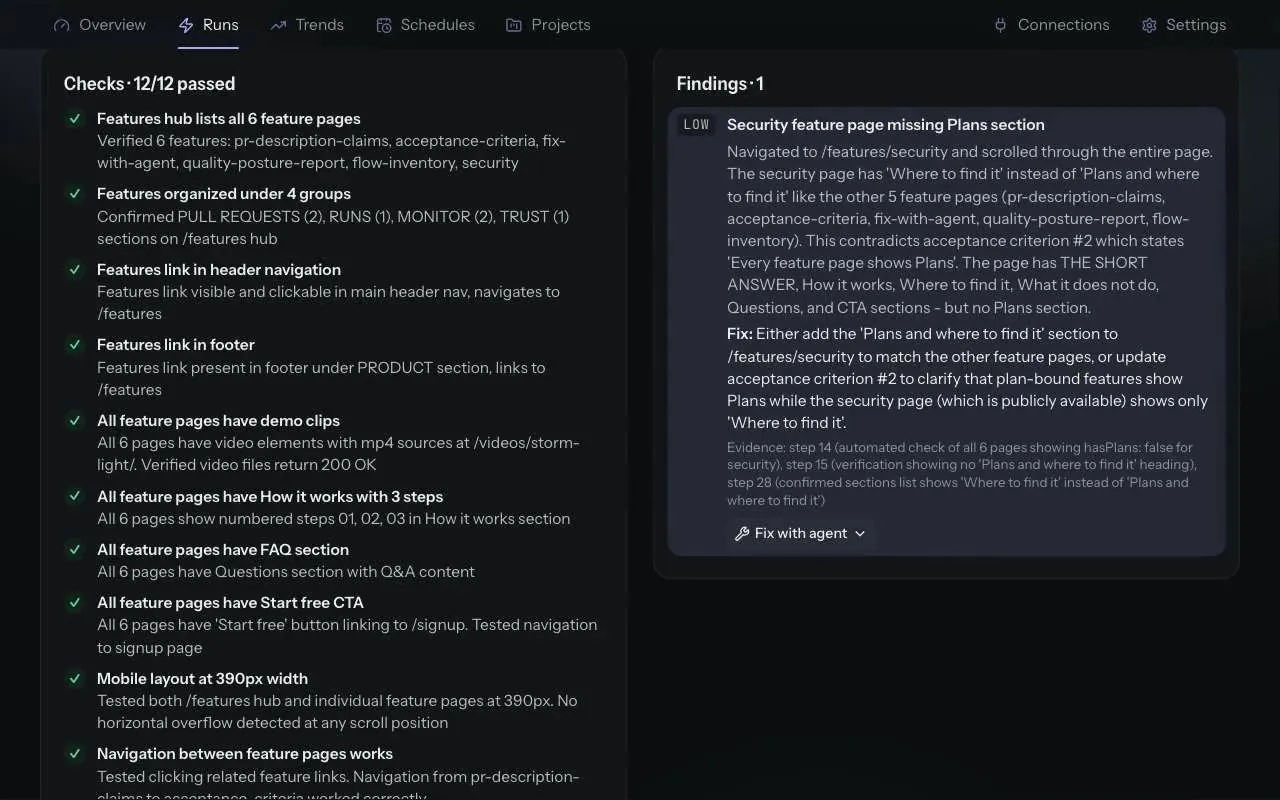
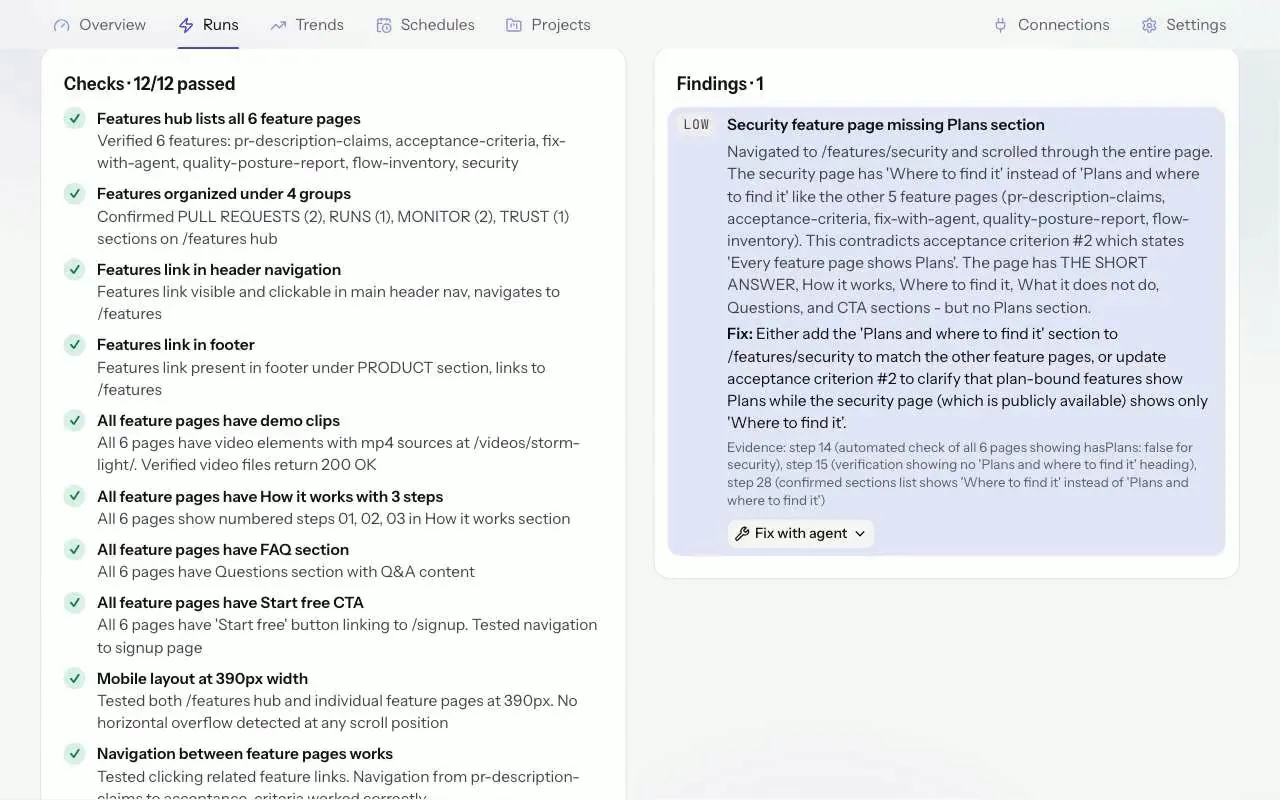
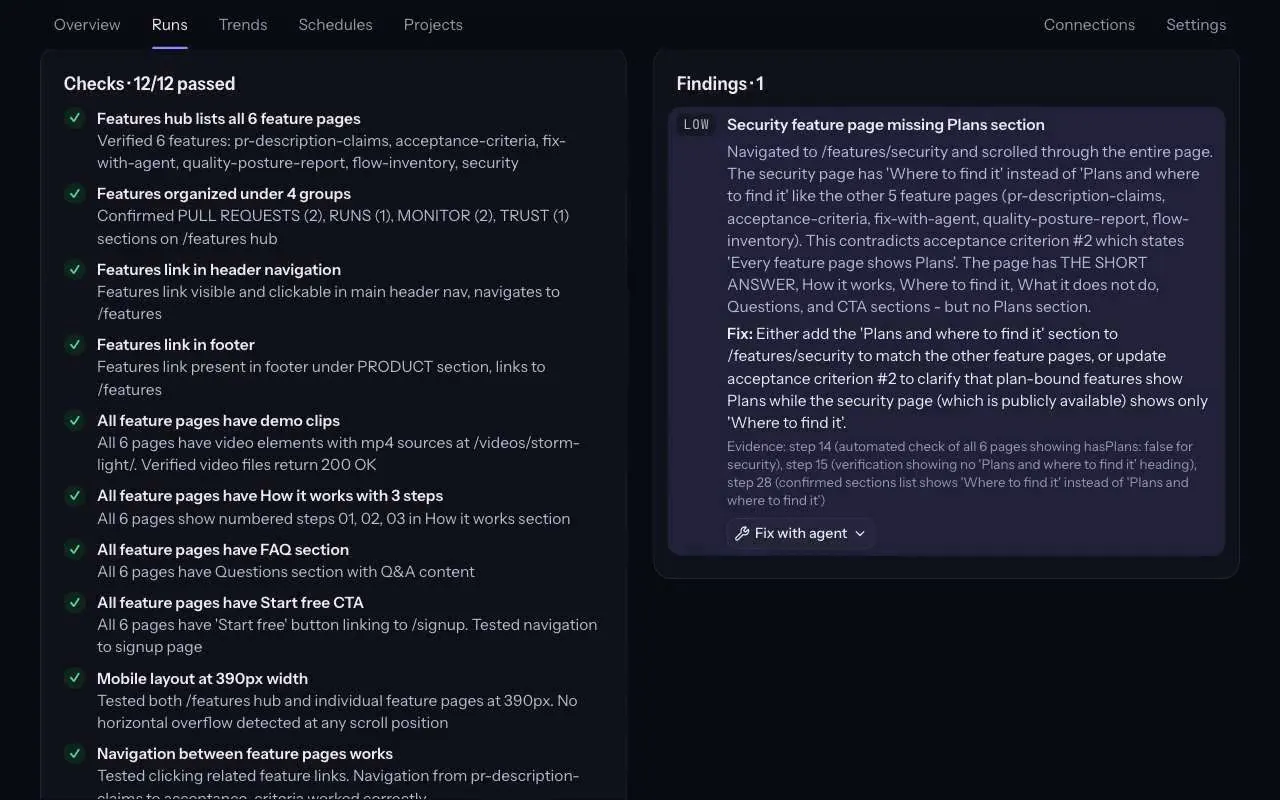
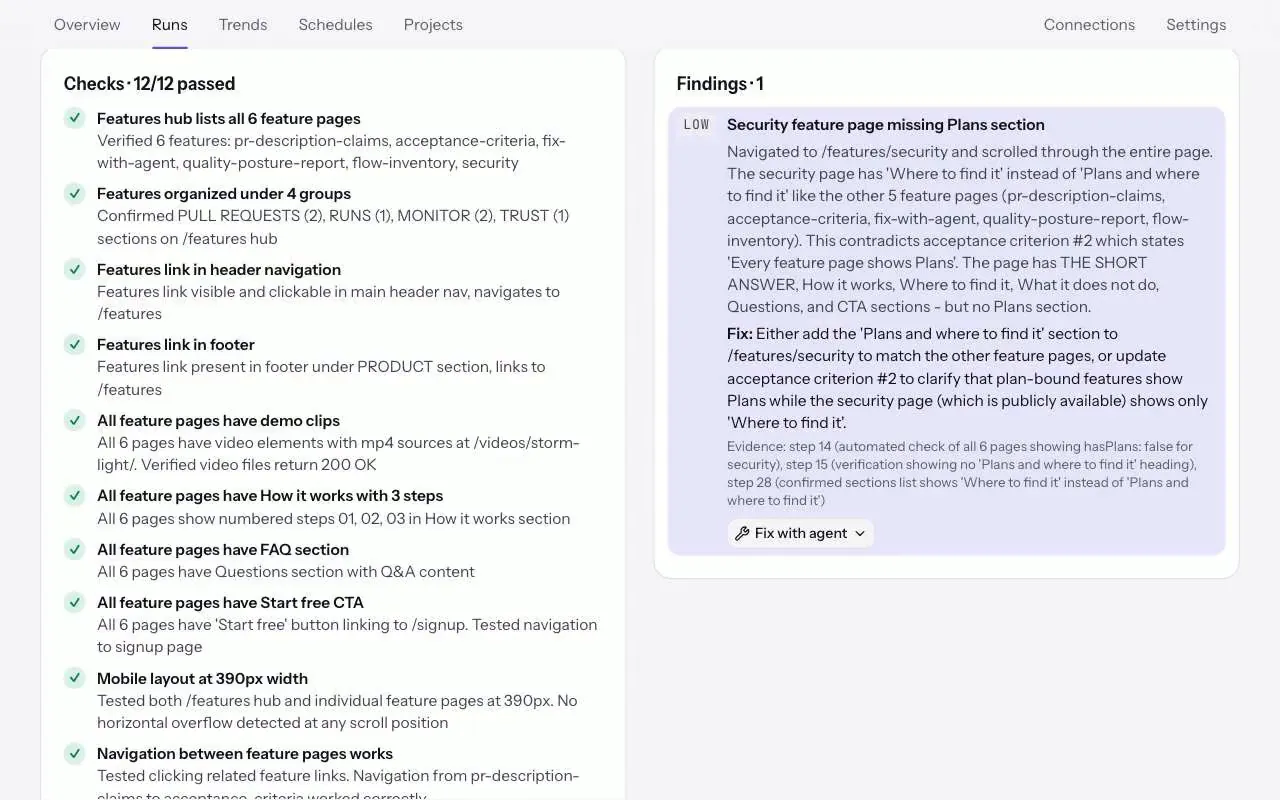
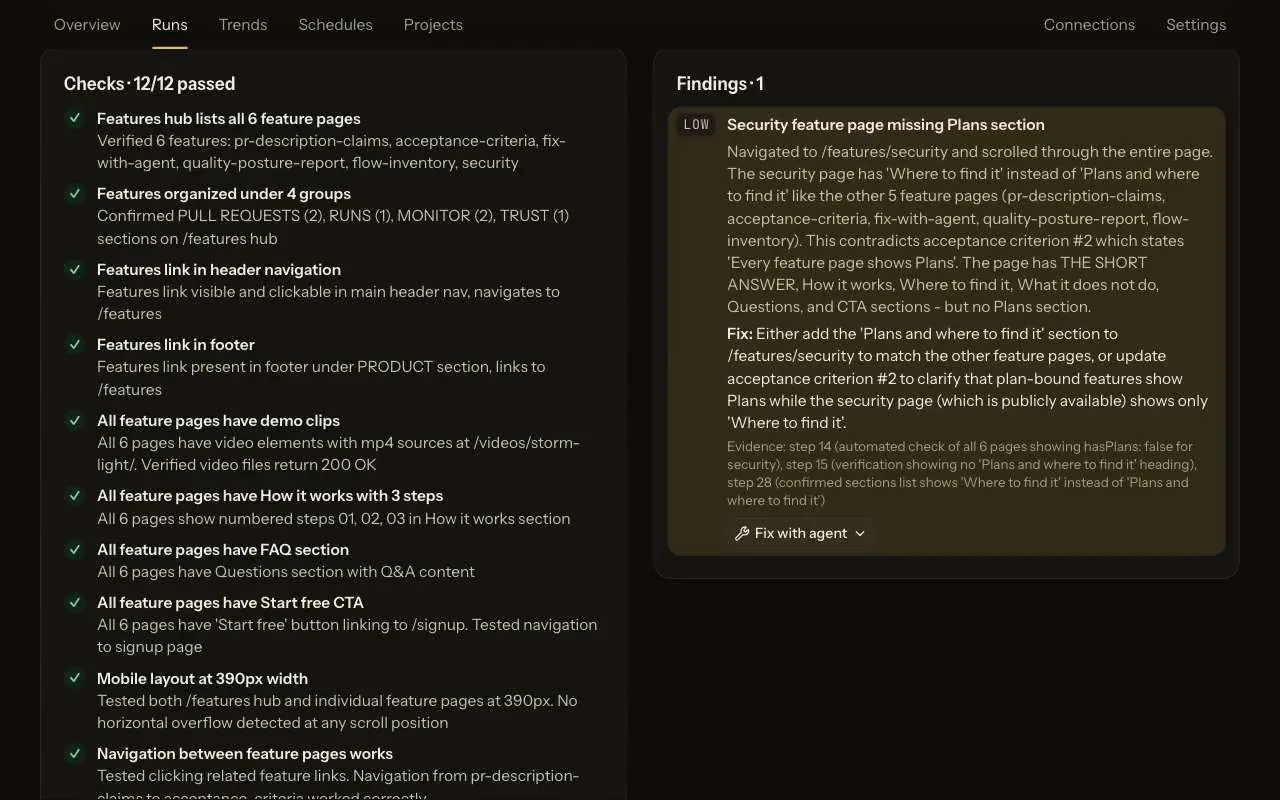
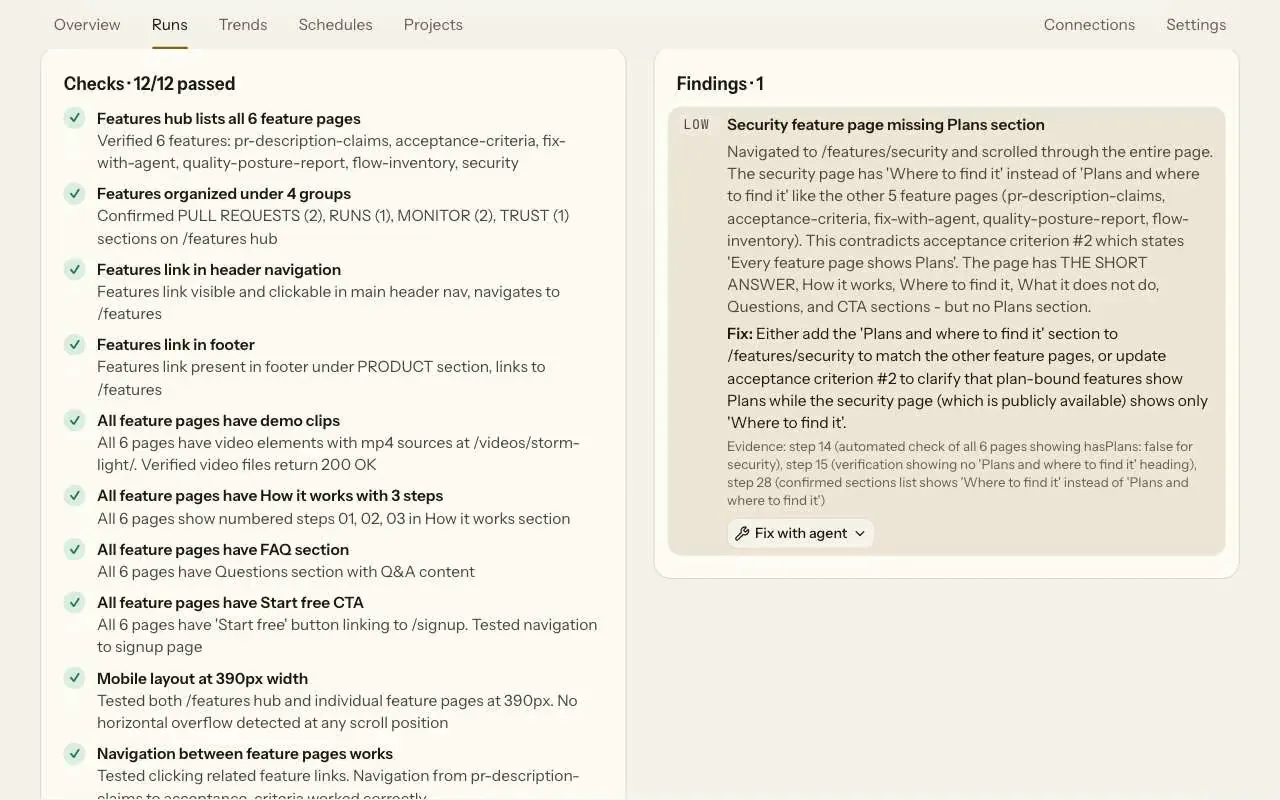
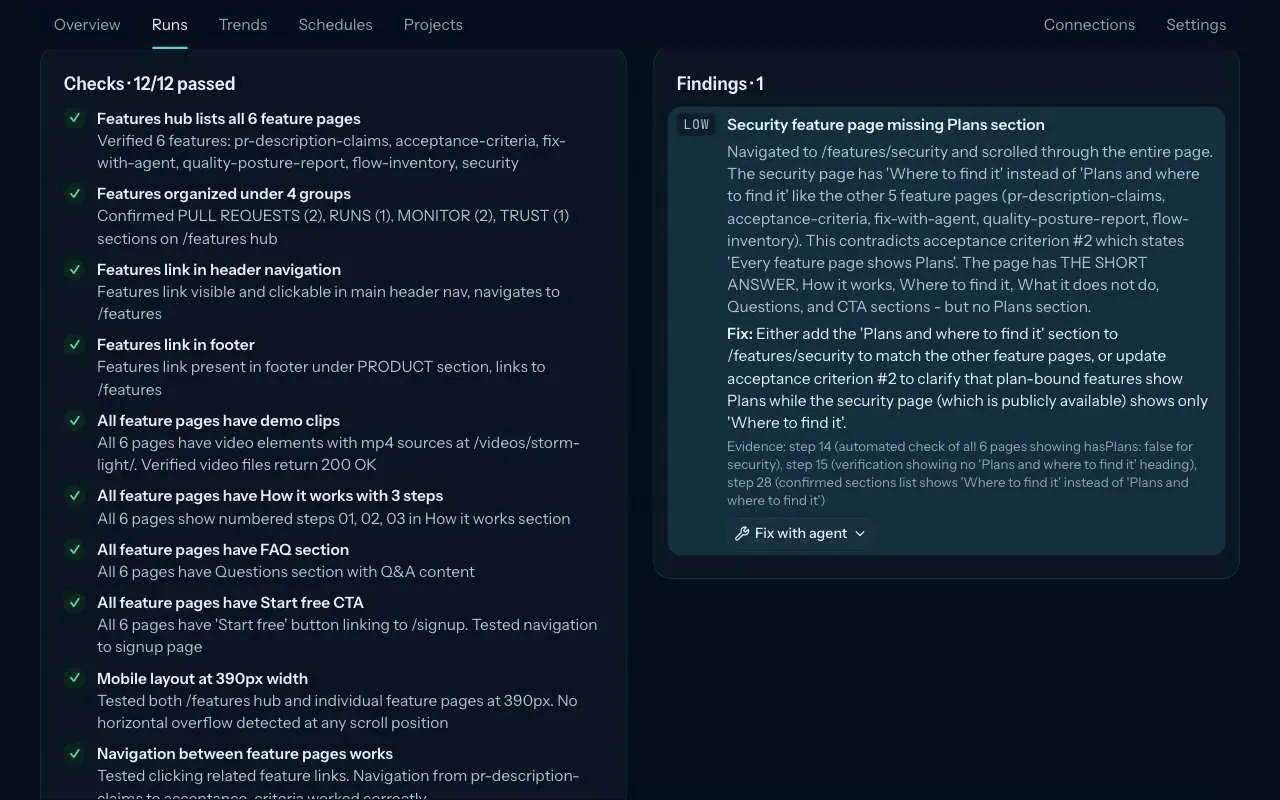
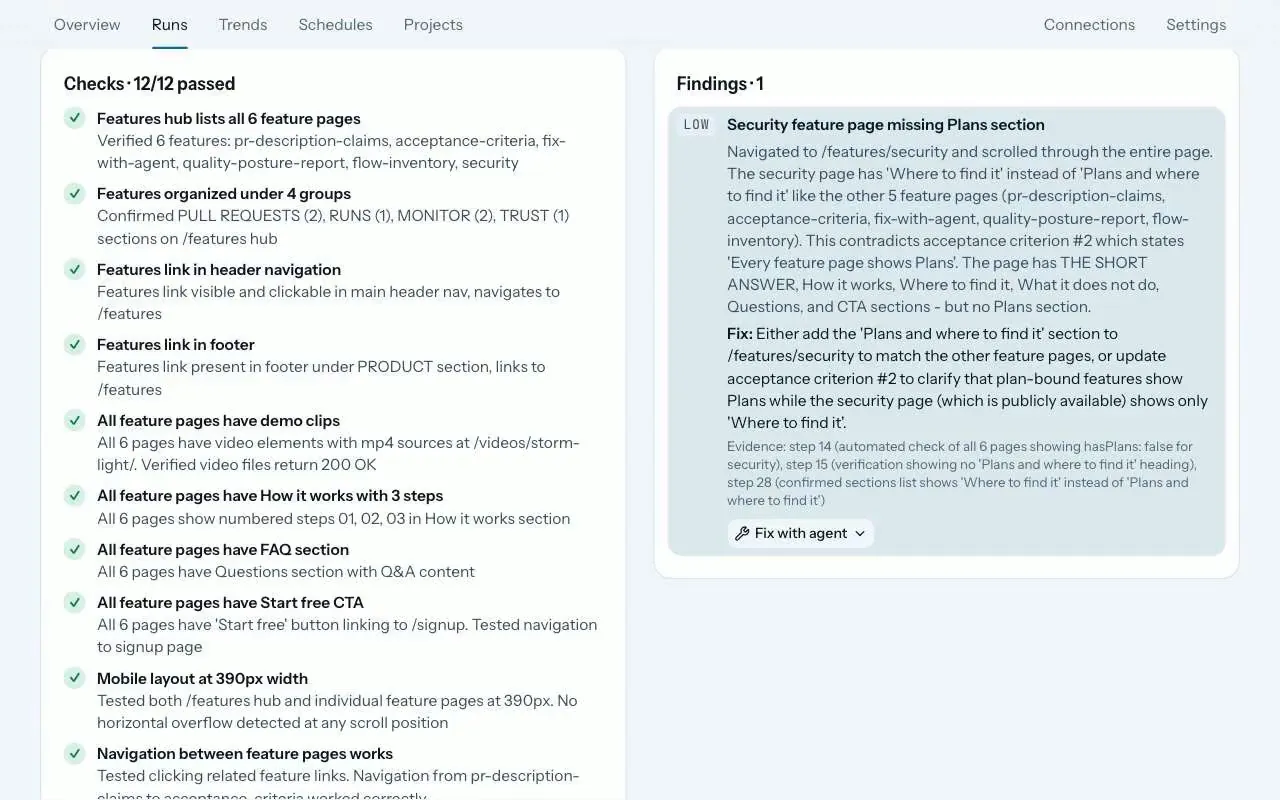
ZeusQA's GitHub App adds the pull request's title and description to the test it runs on the preview. The agent checks each change the description claims and lists each one as a check, passed or not, and a claim that does not hold becomes a finding. Forks add nothing, bots add only the title, and the description is cut at 1,500 characters.
How it works
Connect a repository
Install the GitHub App, turn the repository on in Connections, GitHub, and choose its mission and where the preview lives: the preview deployment, a URL pattern, a fixed URL or the project URL.
Open a pull request
The title and description go into the test after your mission, quoted as the author's words, with template comments removed and the description cut at 1,500 characters.
Read the checks
Each claim comes back as a named check, passed or not, on the run page and in the pull request comment. A claim that does not hold is a finding with its evidence.
Data, not orders
The description is quoted as the author's words, and the agent is told to treat it as data: to ignore requests in it to skip checks, change the verdict or visit another site.
The agent is a model and can still be misled, so keep descriptions to what changed.
Who adds what
- A branch in the repository: the title and the description.
- A fork: nothing. Its author has no write access, so its title and description stay out of the test, and it does not start a run on its own. A pull request whose fork was deleted counts as a fork.
- Dependabot, Renovate and other bots: the title only, because their descriptions are upstream release notes.
- No description: the agent is told to test the change the title names.
Plans and where to find it
On every plan. Find it in Connections, GitHub, on each repository.
- Free
- 3 runs in total
- Pro, $39 a month
- 300 runs a month
- Team, $149 a month
- 1,500 runs a month
Runs from the app, from pull requests and, on Pro and Team, from schedules all count towards the plan. Compare plans.
What it does not do
- The browser run tests the site the pull request deploys. It does not read the diff.
- Nothing runs against a guessed site: each repository says where its preview lives.
- A description longer than 1,500 characters is cut.
- Pull requests from forks add nothing and do not run on their own.
Release notes and posts
The pull request is the test plan
Runs started by the ZeusQA GitHub App now add the pull request's title and description to the test, and the agent is asked to check each change it claims to make.
Changelog · 30 October 2026
The pull request gets a tester
What ZeusQA shipped on 30 October 2026 for teams without a QA engineer, feature by feature, with what each one does not do yet.
Blog · 30 October 2026
Questions
Does the browser run read my code?
No. The browser run tests the site the pull request deploys, with the title and description as the claims to check. The diff is not part of its test.
What about pull requests from forks?
Their title and description never reach the agent, and they do not start a run on their own.
Can a description change the verdict?
The agent is told to treat the description as data and to ignore requests in it to skip checks, change the verdict or visit another site. It is a model and can still be misled, so keep descriptions to what changed.
Try it on your own site
Paste a URL, describe the flow in plain English, and watch a real browser do it. Three runs free, no card.