Blog
Zeus Pilot: an agent in every Chrome tab
- pilot
- chrome
- accessibility
Zeus Pilot is a Chrome extension and an agent bar inside ZeusQA. Type or say a goal and it plans the steps, then clicks for you, guides you, or draws the page's landmarks, headings and focus order.
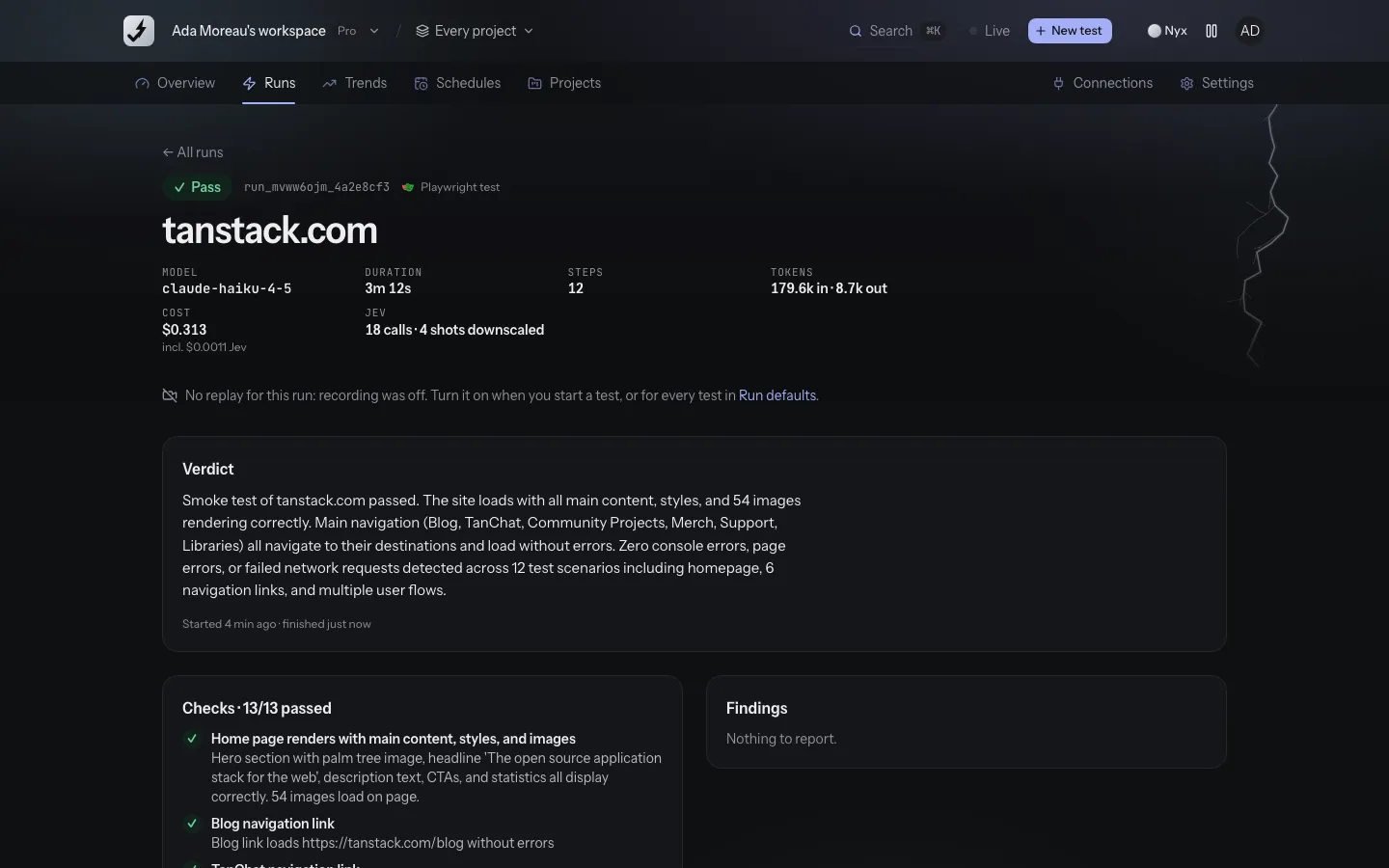
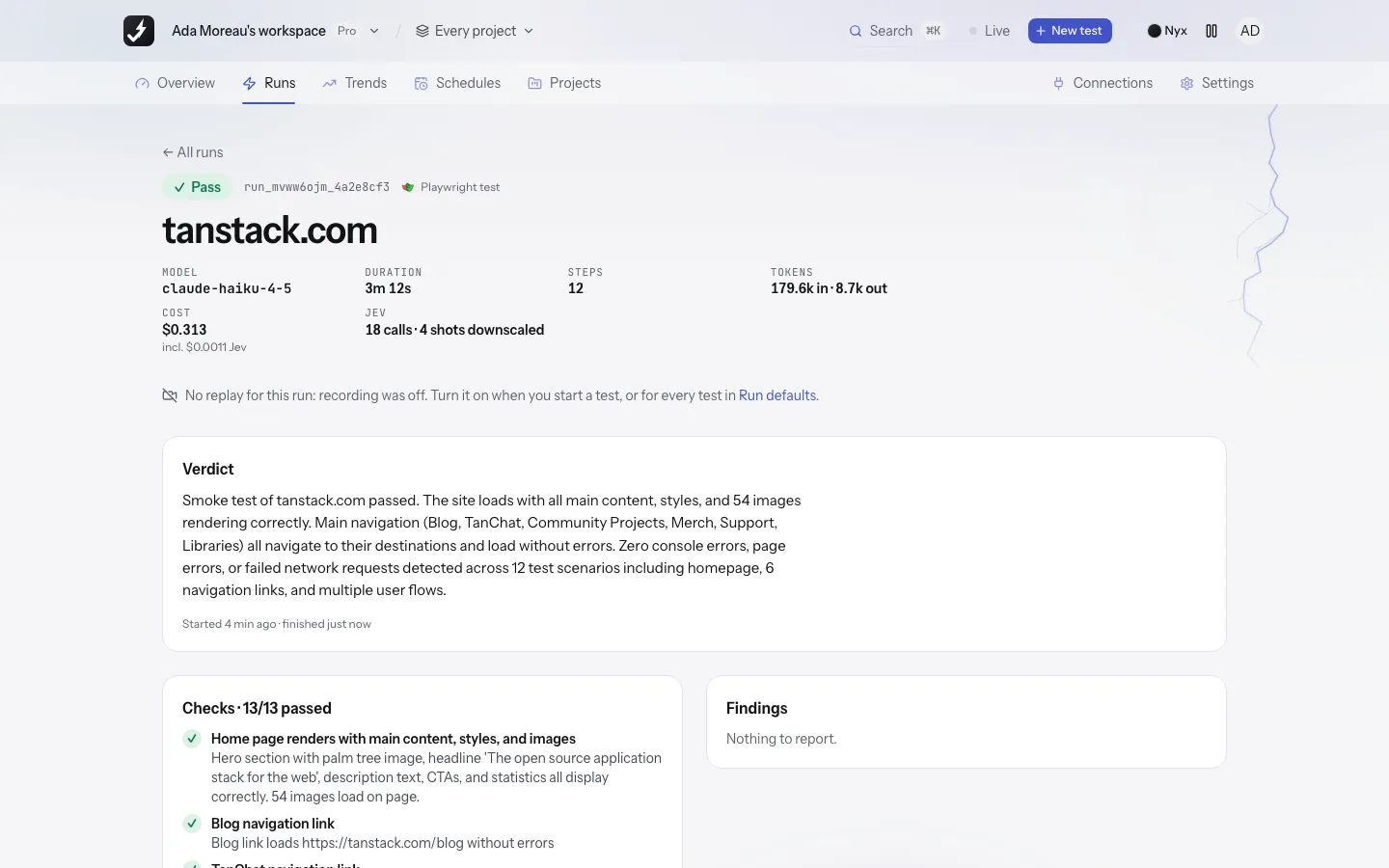
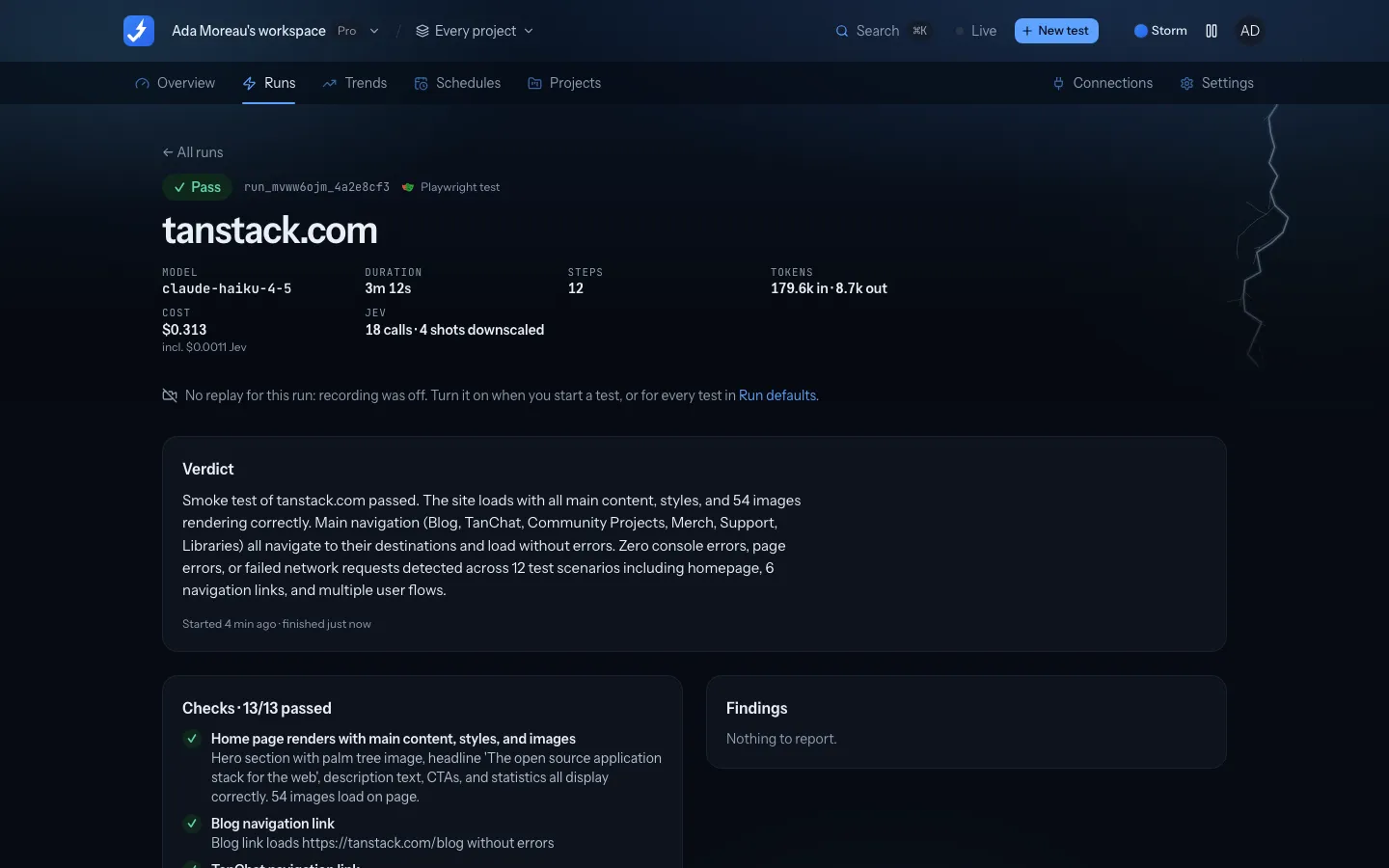
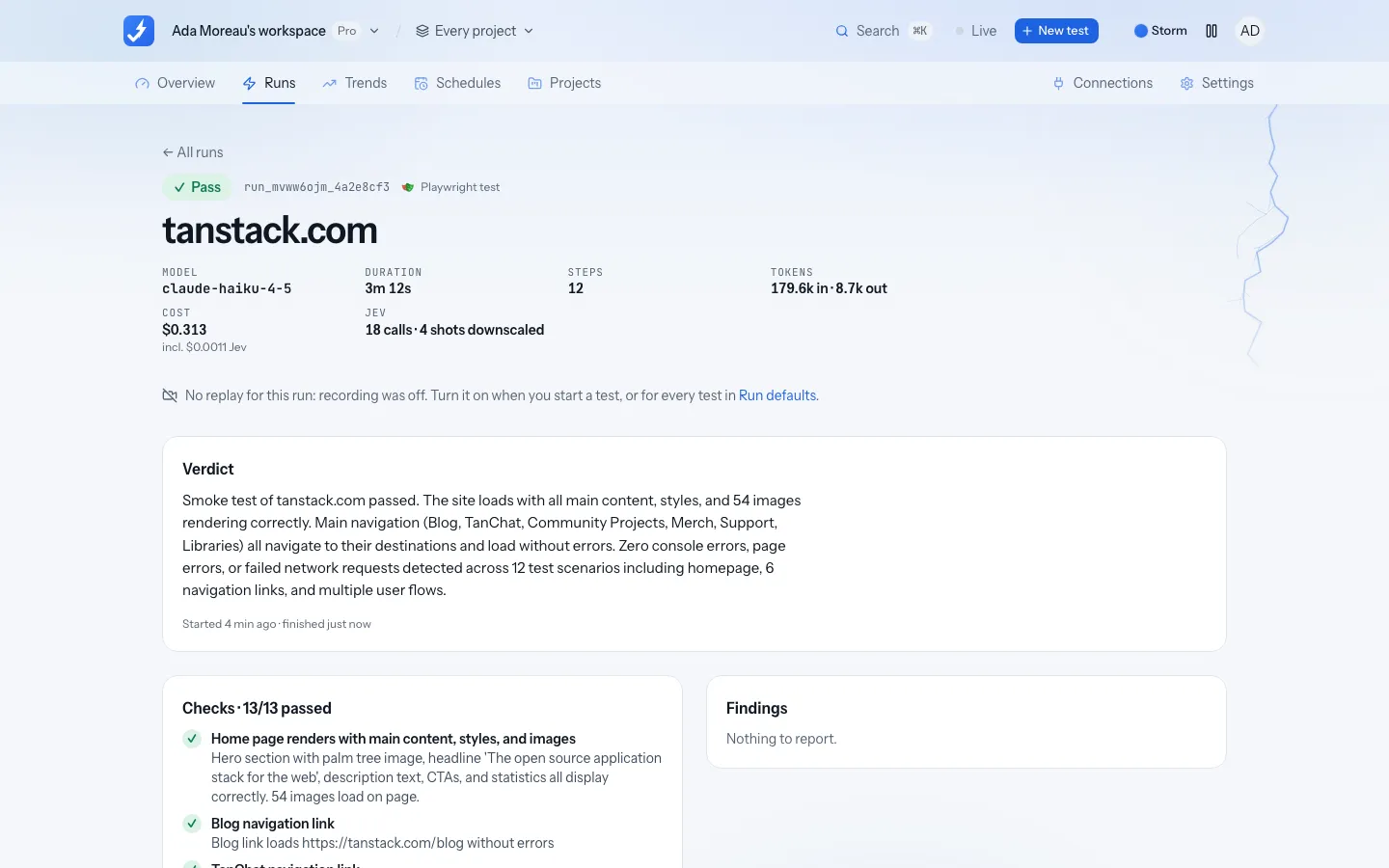
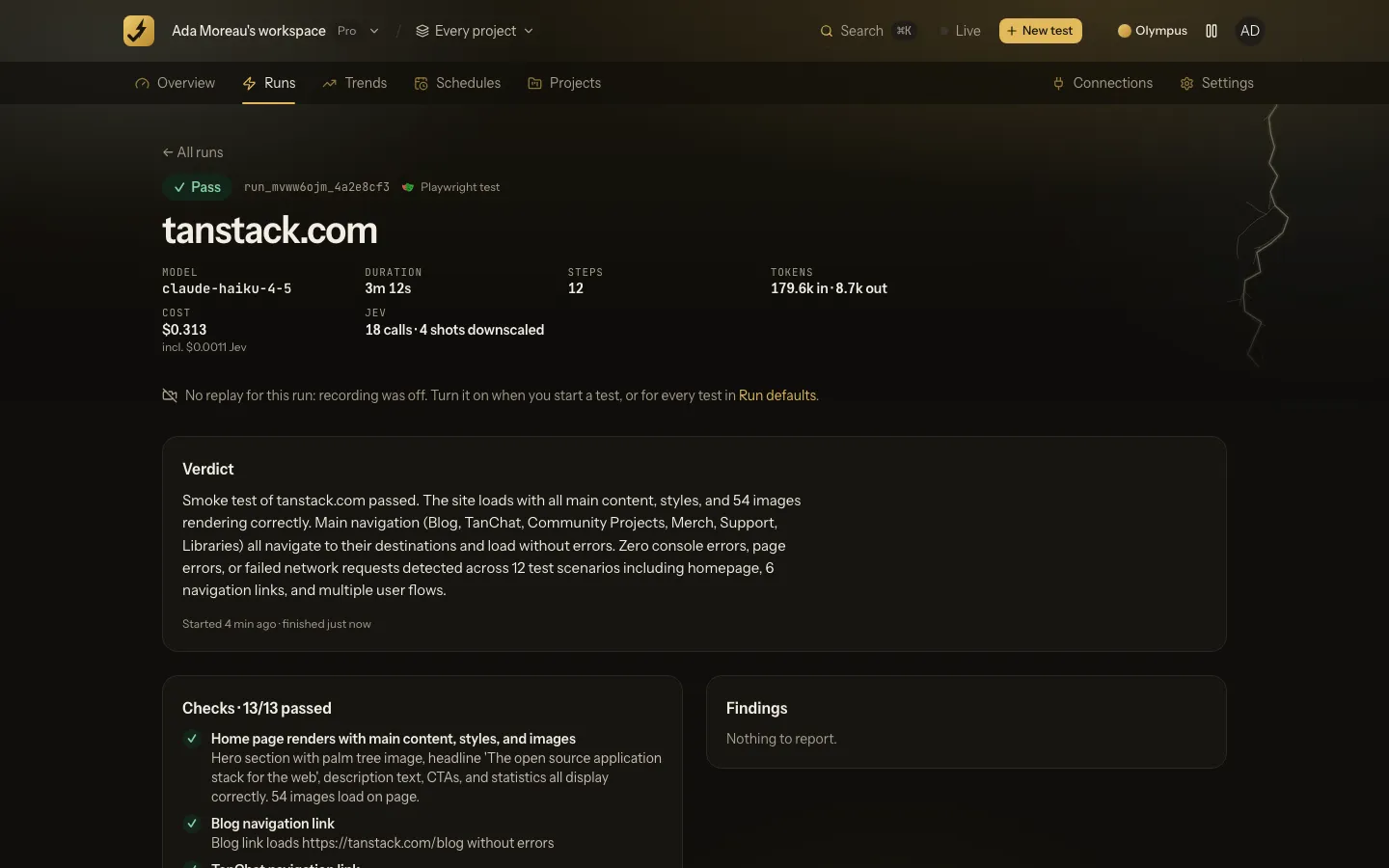
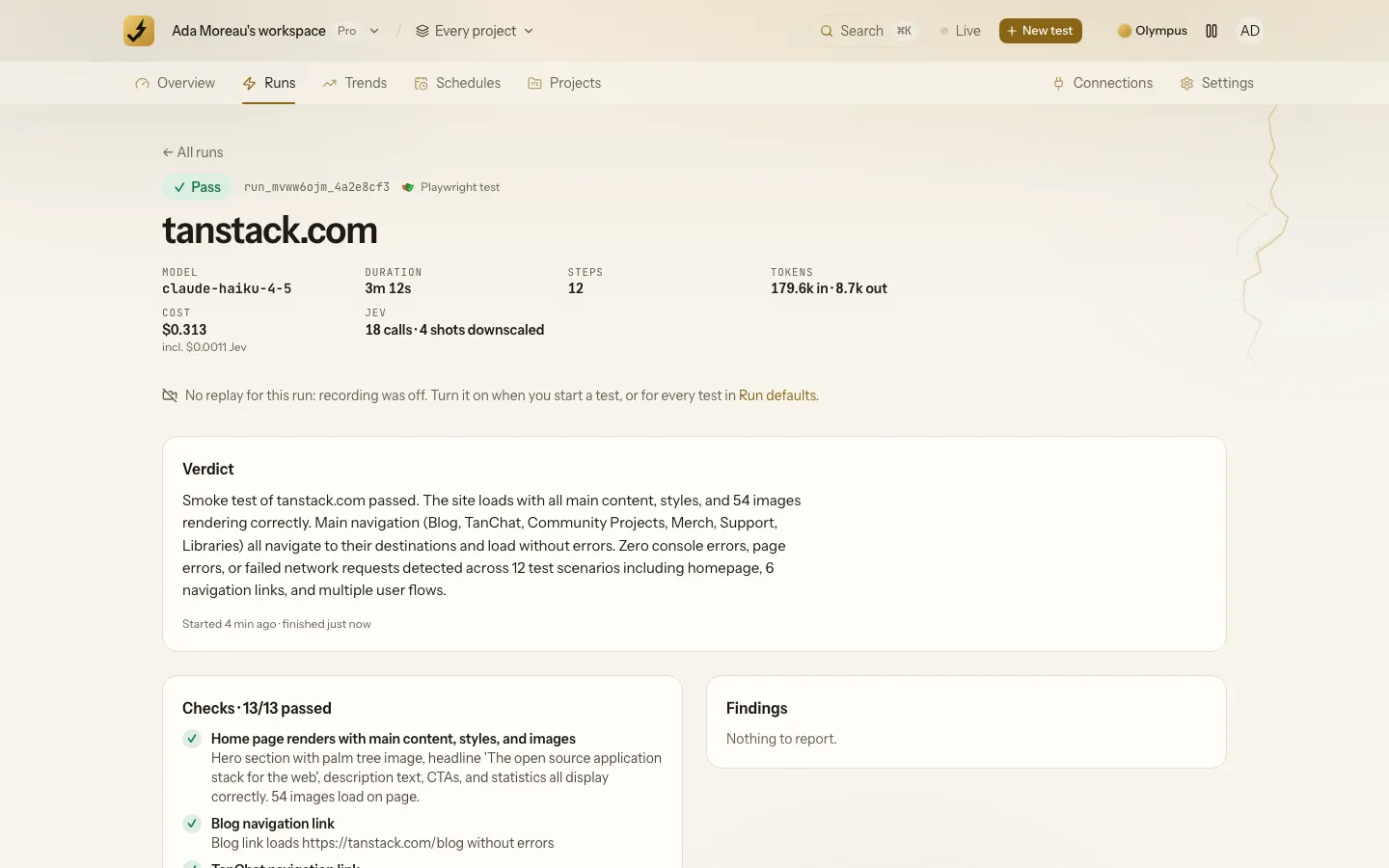
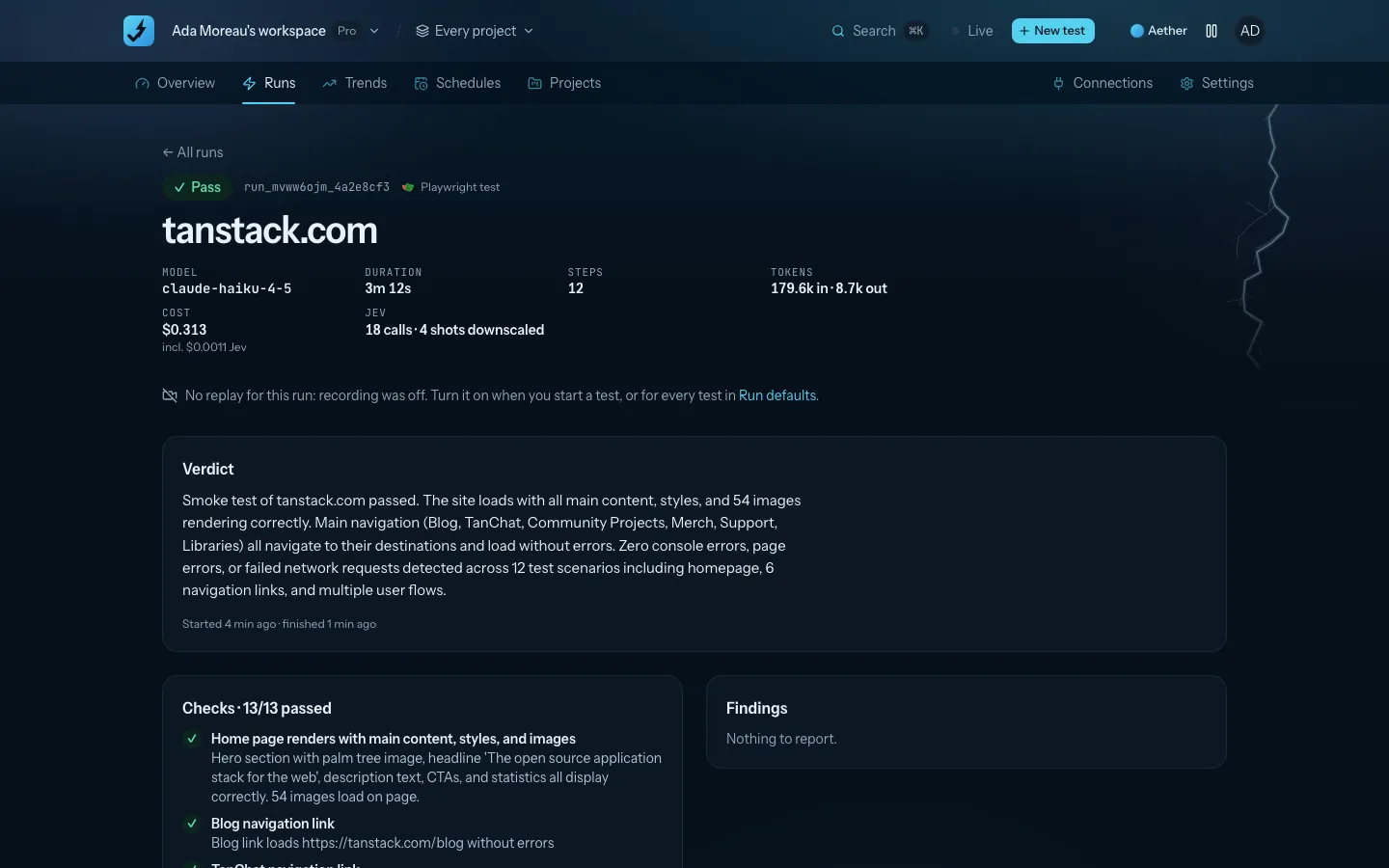
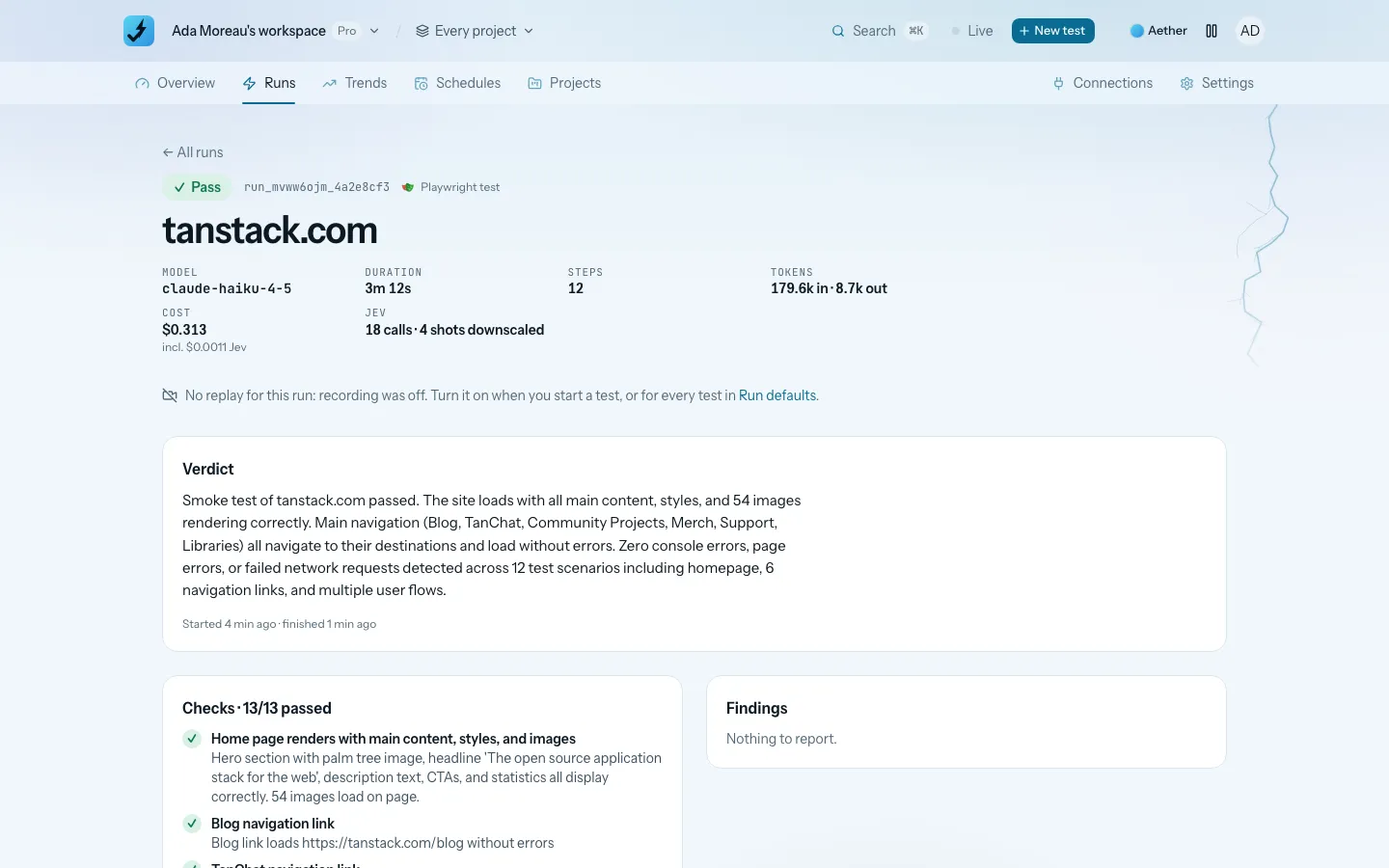
Zeus Pilot puts a command bar on any page. Press ⌘⇧K, type or say a goal, and Zeus plans the steps. It works in three modes.
Auto
Zeus plans the steps and clicks with a real mouse and keyboard, so the page sees what it would see from you. Use it for forms, checkouts and anything repetitive.
Guide me
Zeus points at the next step and waits for your click. You stay in control and learn where things are.
X-ray
Zeus draws the page's landmarks, headings, focus order and issues on top of it. A full axe audit is included, so you can see what a keyboard or screen reader user meets.
What it costs
Planning with Chrome's built-in model, Gemini Nano, is free and unlimited and runs on your device. Planning with ZeusQA's models is 3 tasks of 8 steps on Free. Pro, $39 a month, is unlimited tasks of up to 25 steps.
Where it stands
The extension is in review at the Chrome Web Store. Until it is approved, the Zeus Pilot page explains how to get it today. The same bar also runs inside the ZeusQA app.
Part of the ZeusQA blog. Follow new posts with the RSS feed, and every release in the changelog.
Try it on your own site
Paste a URL, describe the flow in plain English, and watch a real browser do it. Three runs free, no card.