Feature · Pull requests
Secrets in a pull request, found on their line and never shown
Keys, tokens, private keys and passwords on the line they were added, with the value never shown.
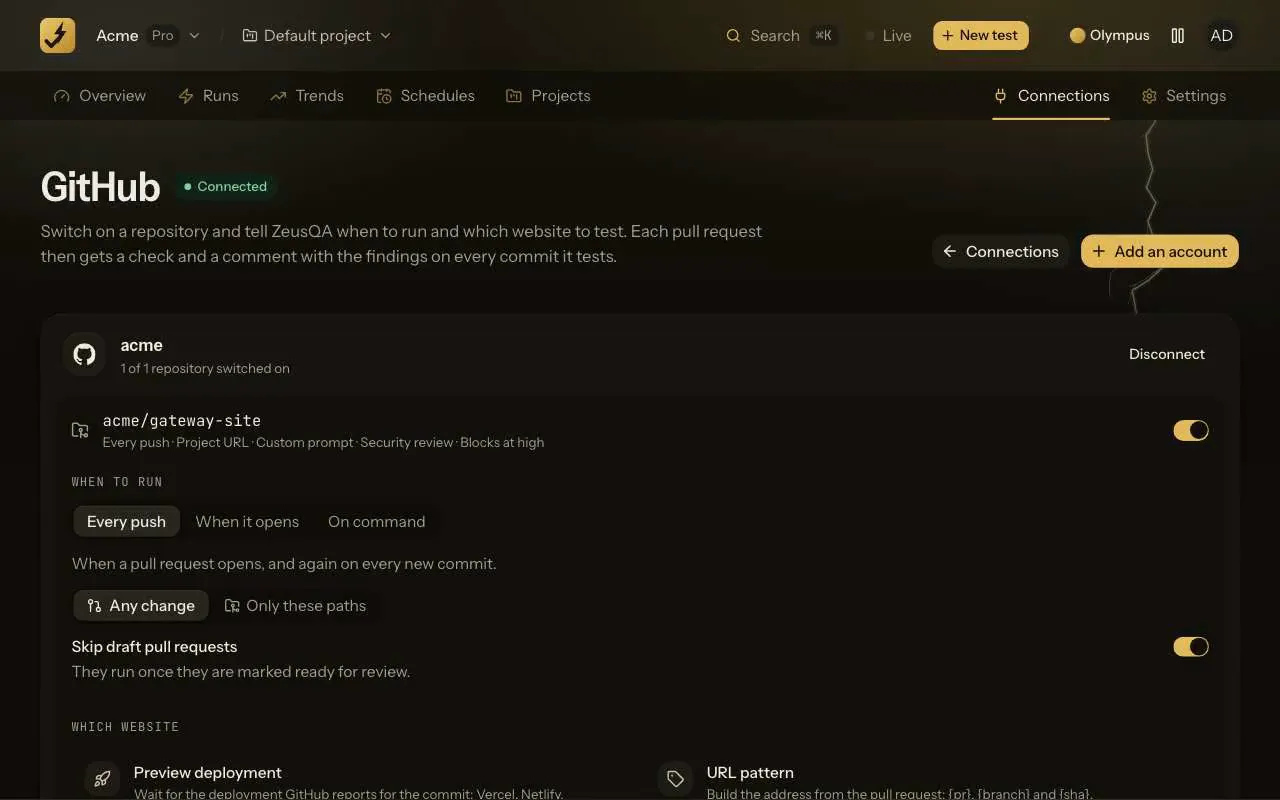
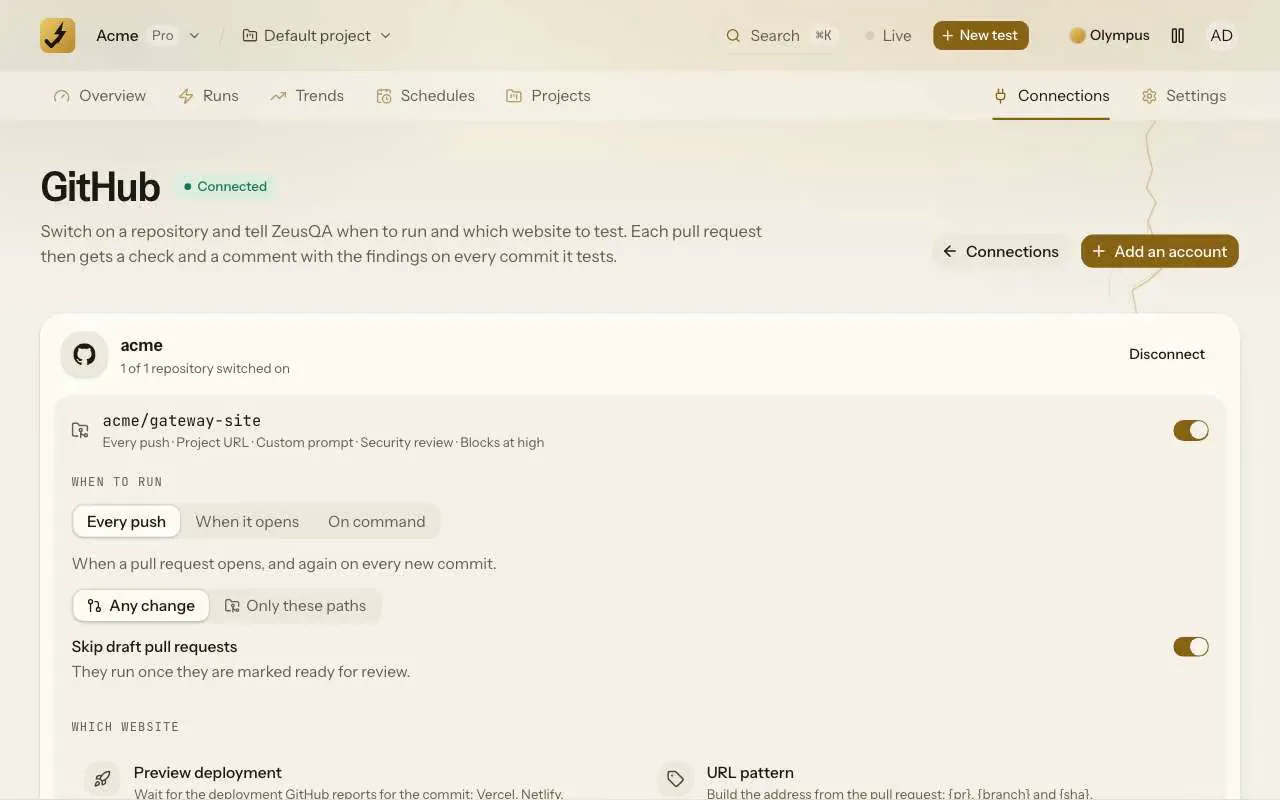
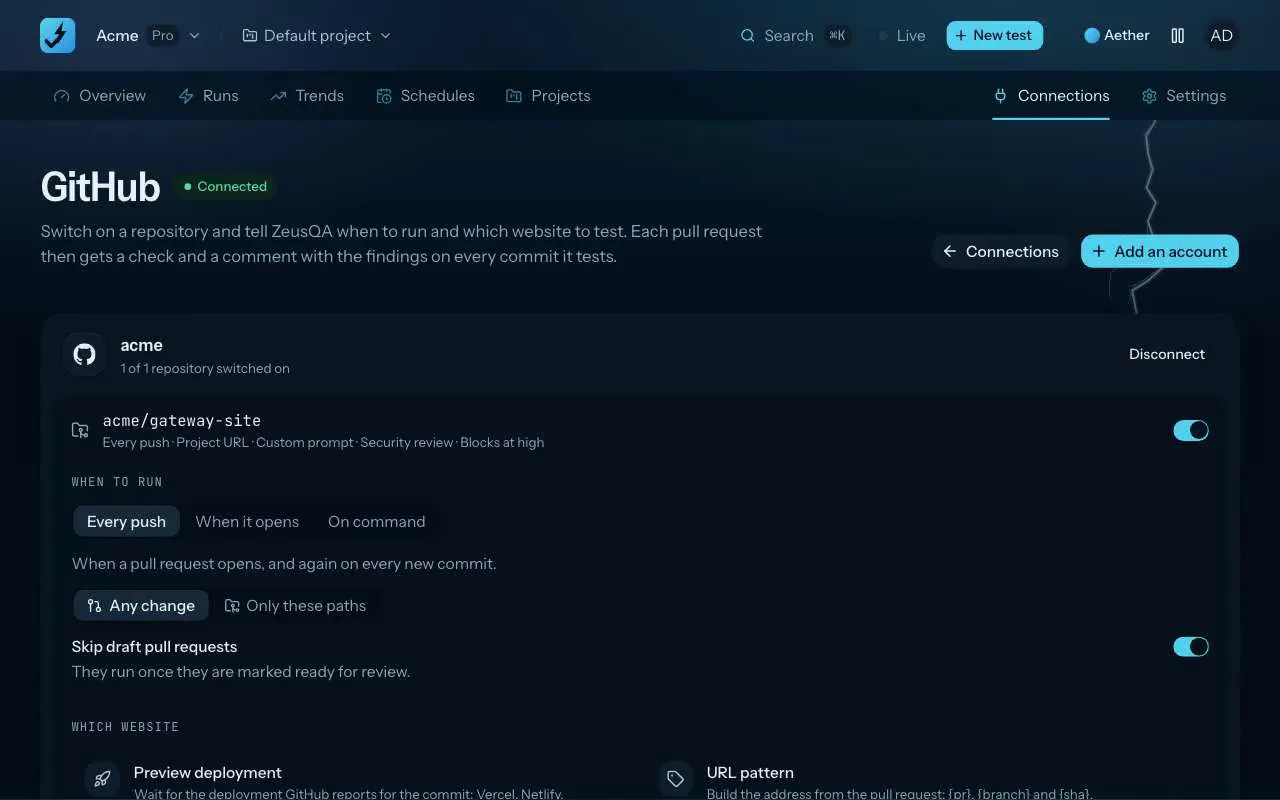
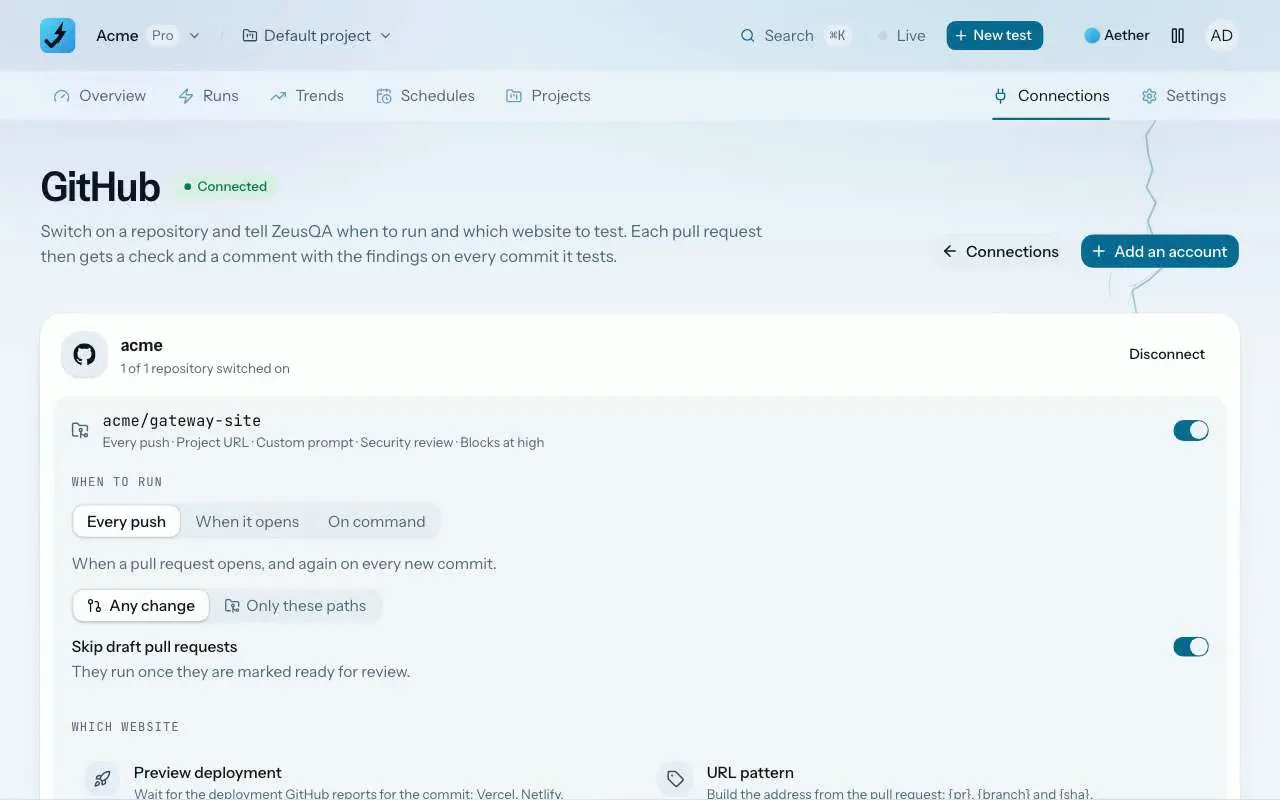
The short answer
On Pro and Team, ZeusQA's security review checks every added line of each new commit outside lockfiles for cloud and provider keys, tokens, private keys, connection strings with a password and random-looking values assigned to secret names. Each match is a finding on its line in the ZeusQA Security check and comment, with only the key's prefix shown and how to rotate it. Every value it finds is masked before the model reads the diff.
How it works
Turn on Security review
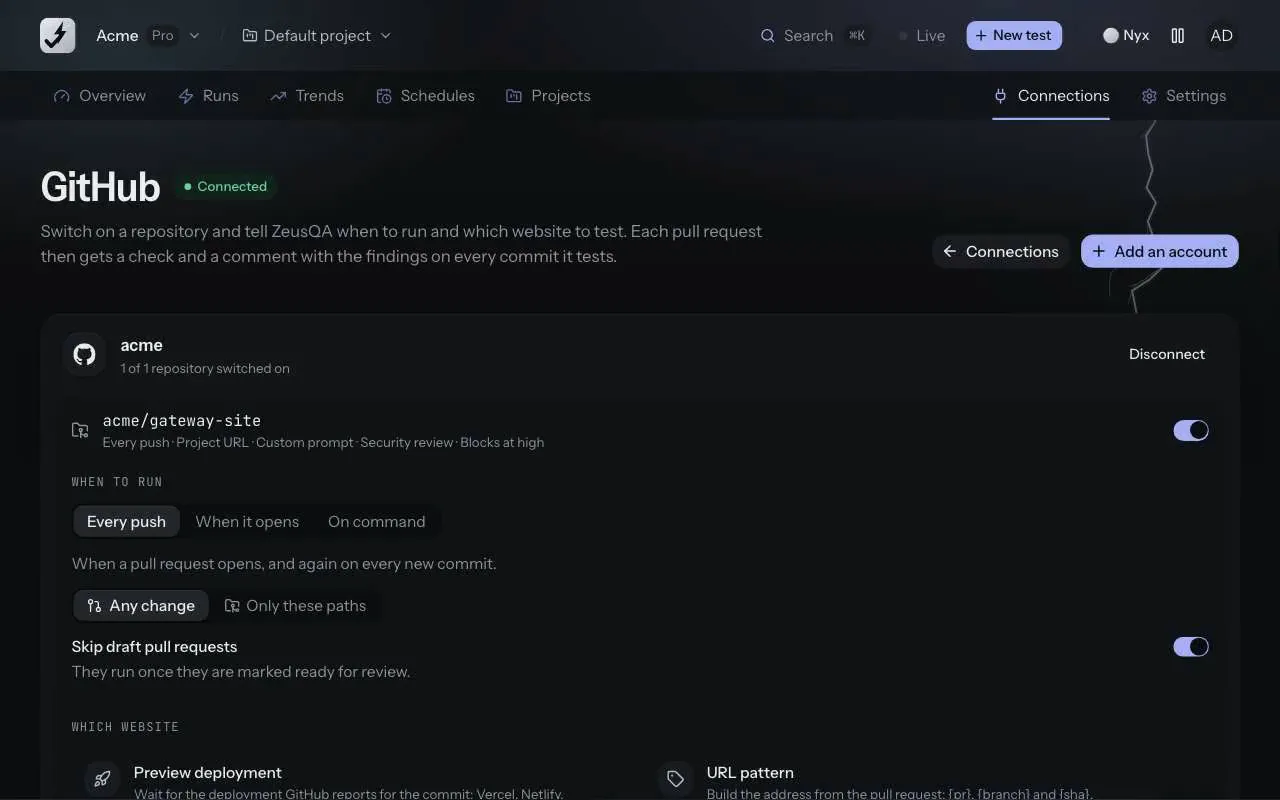
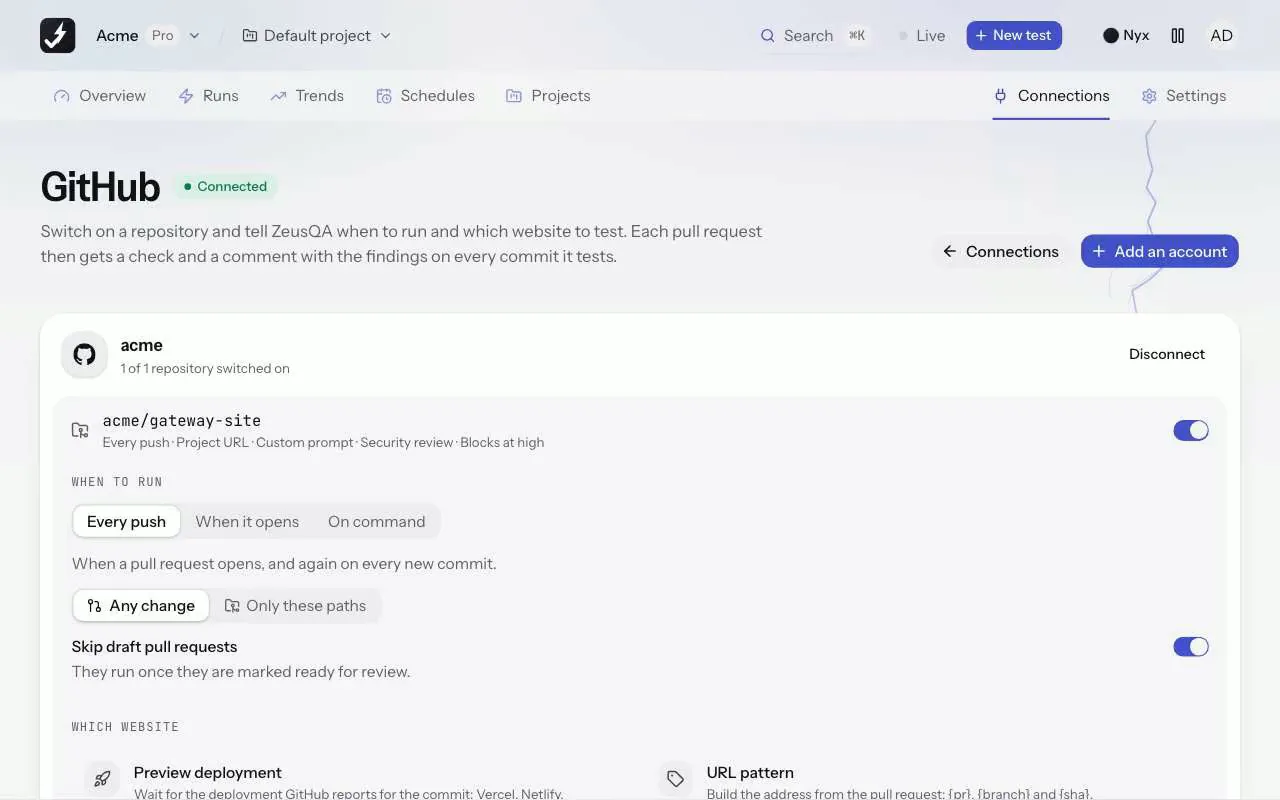
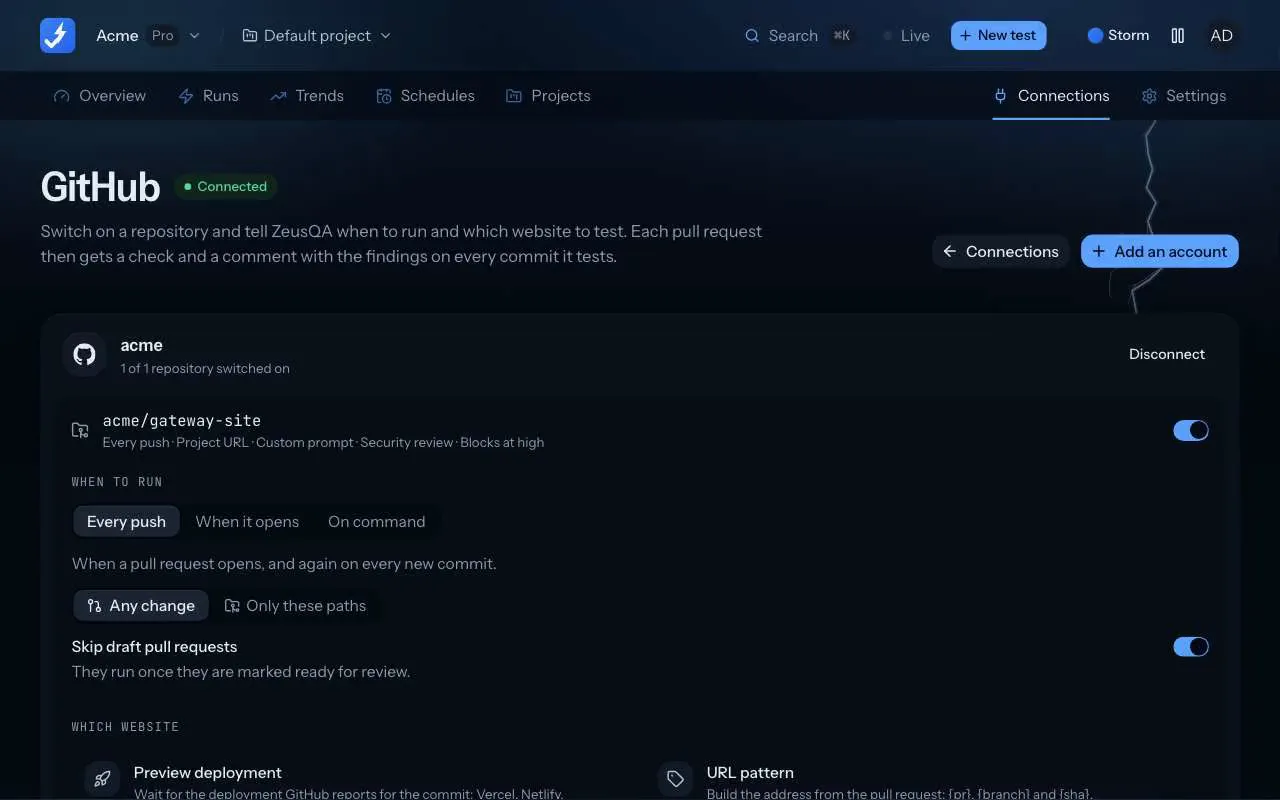
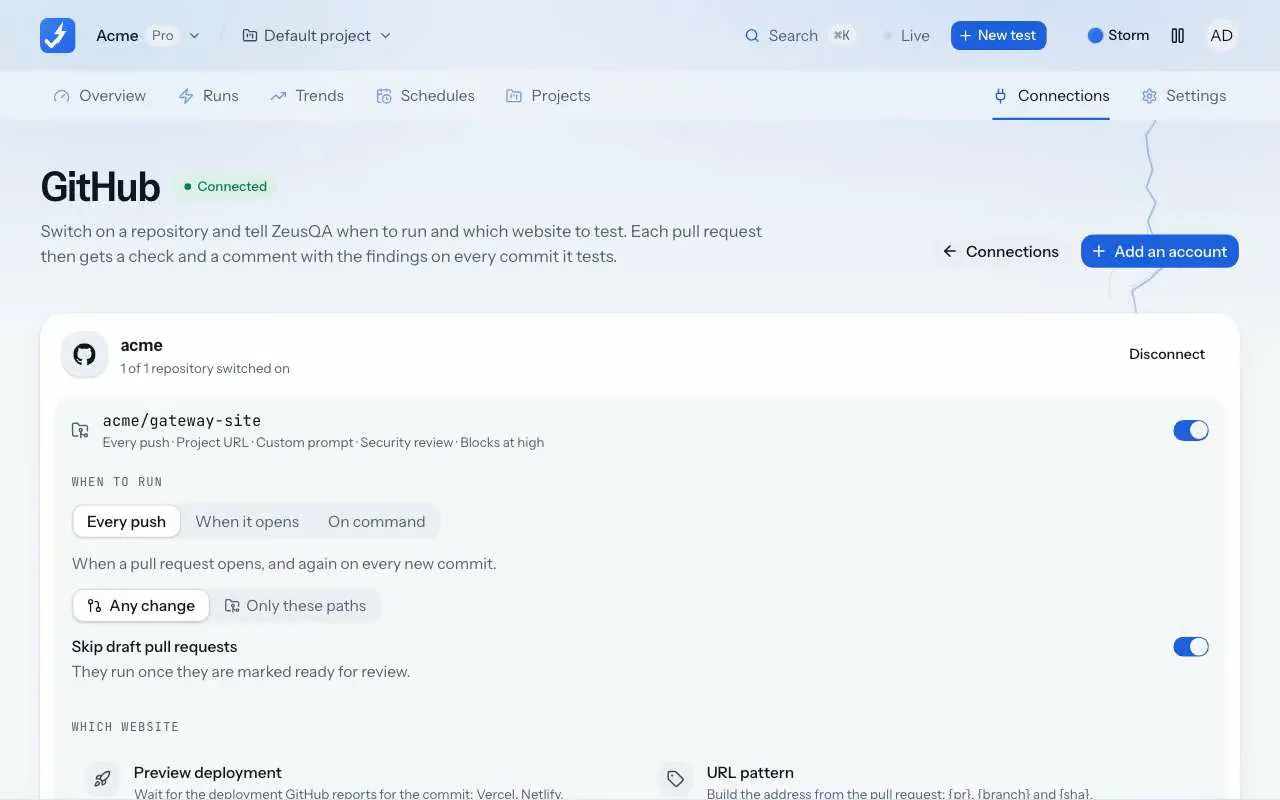
In Connections, GitHub, open a repository's settings and switch on Security review. It is off for every repository until you do.
Push a commit
Every added line of each file GitHub returns a diff for is checked against fixed patterns before any model is called, generated and vendored files included, lockfiles not.
Read the finding on its line
Each match is an annotation on the ZeusQA Security check and an entry in the one comment the review keeps up to date, with the provider, the line with the value redacted and how to rotate it.
What it finds
- Cloud and provider keys: AWS access key IDs and secret keys, Stripe live secret keys, OpenAI, Anthropic, Google, SendGrid, npm and PyPI keys.
- Tokens and webhooks: GitHub classic and fine-grained tokens, GitLab tokens, Slack tokens and Slack webhook URLs.
- Private keys: PEM blocks with their key material, also inside a one-line JSON credential.
- Passwords: database and queue connection strings that carry one, and random-looking values assigned to names like
secret,token,api_keyorpassword.
Never the value
The check, its annotations and the comment show the line with only the key's public prefix, such as AKIA…[redacted], and nothing of a password. Every value the patterns recognise is masked in the diff before it goes to the model, on added, removed and unchanged lines, and a private key's whole body is replaced.
A live credential or a private key is critical. A match in a test, mock, fixture or example file, a documented example key or a connection string to localhost is rated low. Placeholders such as ${DB_PASSWORD} or <token> are not reported.
Plans and where to find it
On Pro and Team. Find it on the ZeusQA Security check and in the security review comment on the pull request.
- Pro, $39 a month
- 100 commits a month
- Team, $149 a month
- 500 commits a month
Security reviews are counted per commit, apart from runs. Compare plans.
What it does not do
- It finds the formats it knows. A key in another format is left to the model review.
- It reads each new commit's diff, not the repository's history.
- It does not check whether a key is live; a match is reported on its format.
- It runs inside the security review: at most 300 files per pull request, 20 commits a day per workspace, and up to 100 commits a month on Pro and 500 on Team, counted apart from runs. The model reads at most 100k characters of diff; the secret scan reads every file with a diff except lockfiles.
- It blocks a merge only through the repository's merge gate, and only once the check is required in a branch ruleset.
Release notes and posts
Secret scanning on every pull request
The security review now checks every added line of each file GitHub returns a diff for, up to the first 300 files of a pull request and lockfiles left out, for keys, tokens, private keys and passwords with fixed patterns, reports each one on its line without ever showing the value, and masks them before the model reads the diff.
Changelog · 31 October 2026
Security review on every pull request
On Pro and Team, a repository can turn on a security review of every new commit's diff, with each finding on the line it is about, a severity and a fix, on a ZeusQA Security check and in the pull request.
Changelog · 30 October 2026
Secrets never reach the reviewer
How ZeusQA's security review now finds keys, tokens and passwords in a pull request with fixed patterns, reports each one on its line without showing it, and masks it before a model reads the diff.
Blog · 31 October 2026
Questions
Does ZeusQA store the secret it finds?
No. Findings keep only the key's public prefix, and the value is masked before the diff reaches the model.
What about keys in test fixtures?
A match in a test, mock, fixture or example file is still reported, rated low, with a note to rotate it if it is real.
Does it need a new GitHub permission?
No. It reads the diff with the pull request access the GitHub App already has, and nothing in the repository runs.
Try it on your own site
Paste a URL, describe the flow in plain English, and watch a real browser do it. Three runs free, no card.