Blog
Let your coding agent test its own fix
- mcp
- agents
- testing
ZeusQA's MCP server lets your coding agent start a test in a real browser, wait for the verdict, read what failed and rerun after the fix.
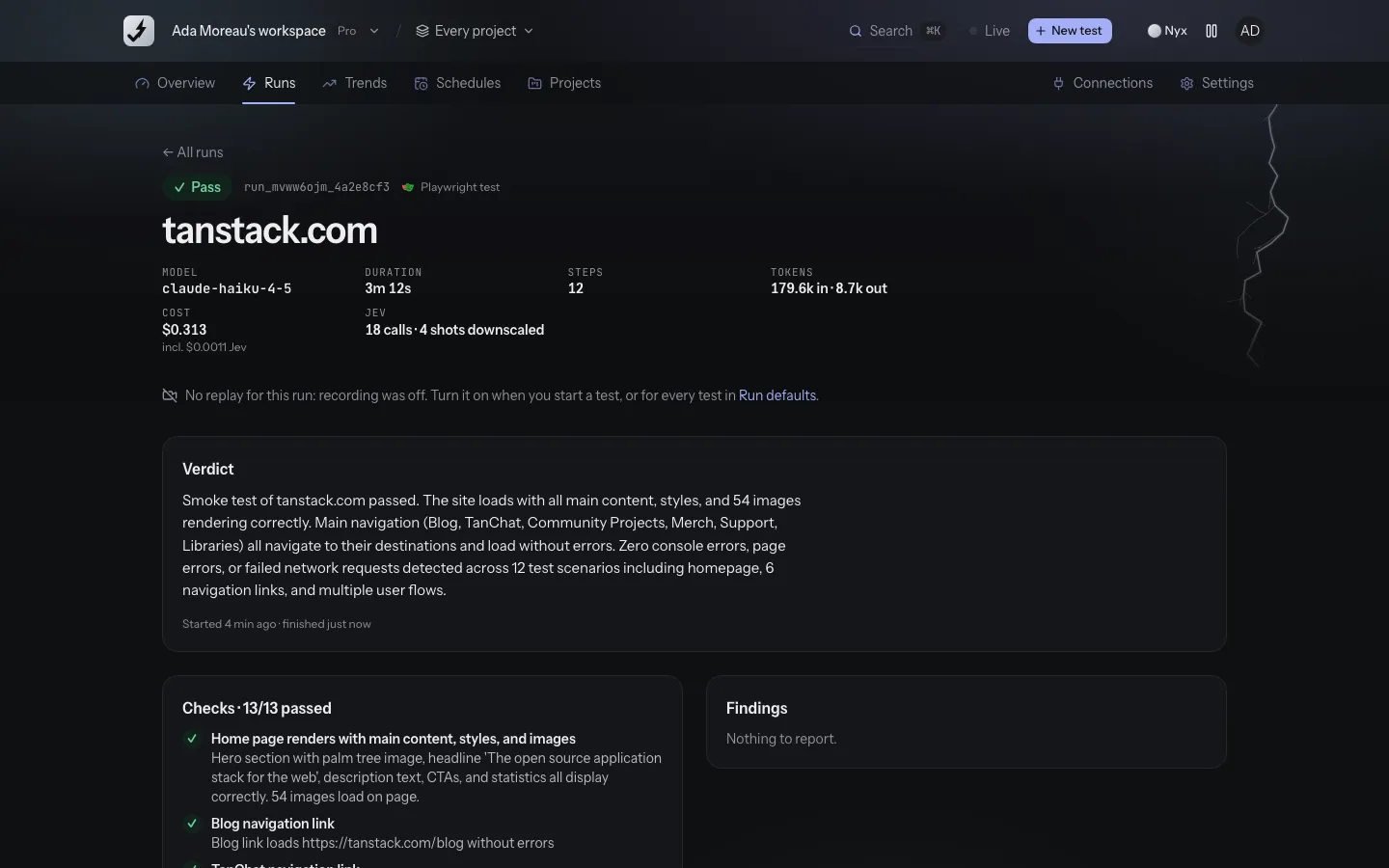
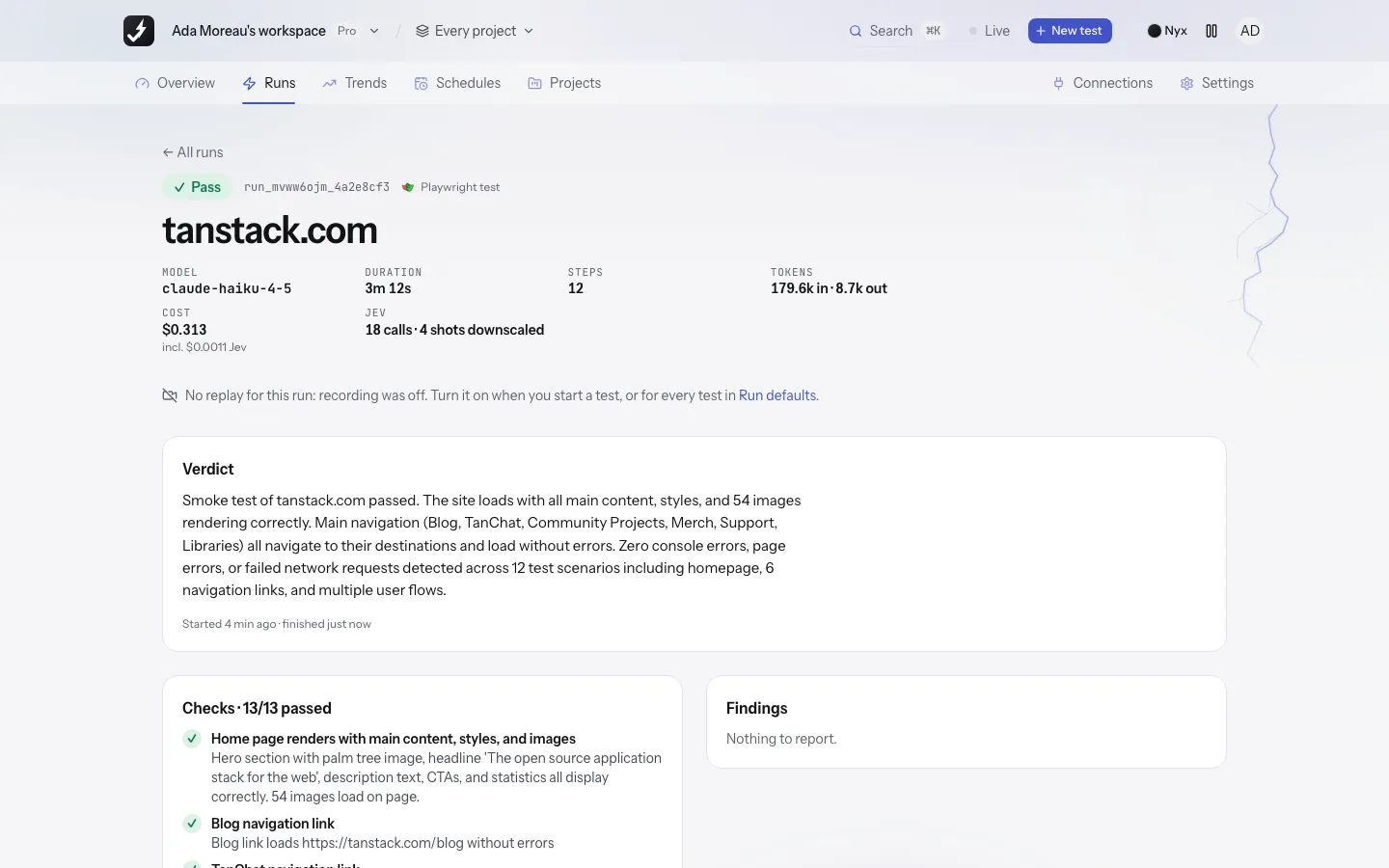
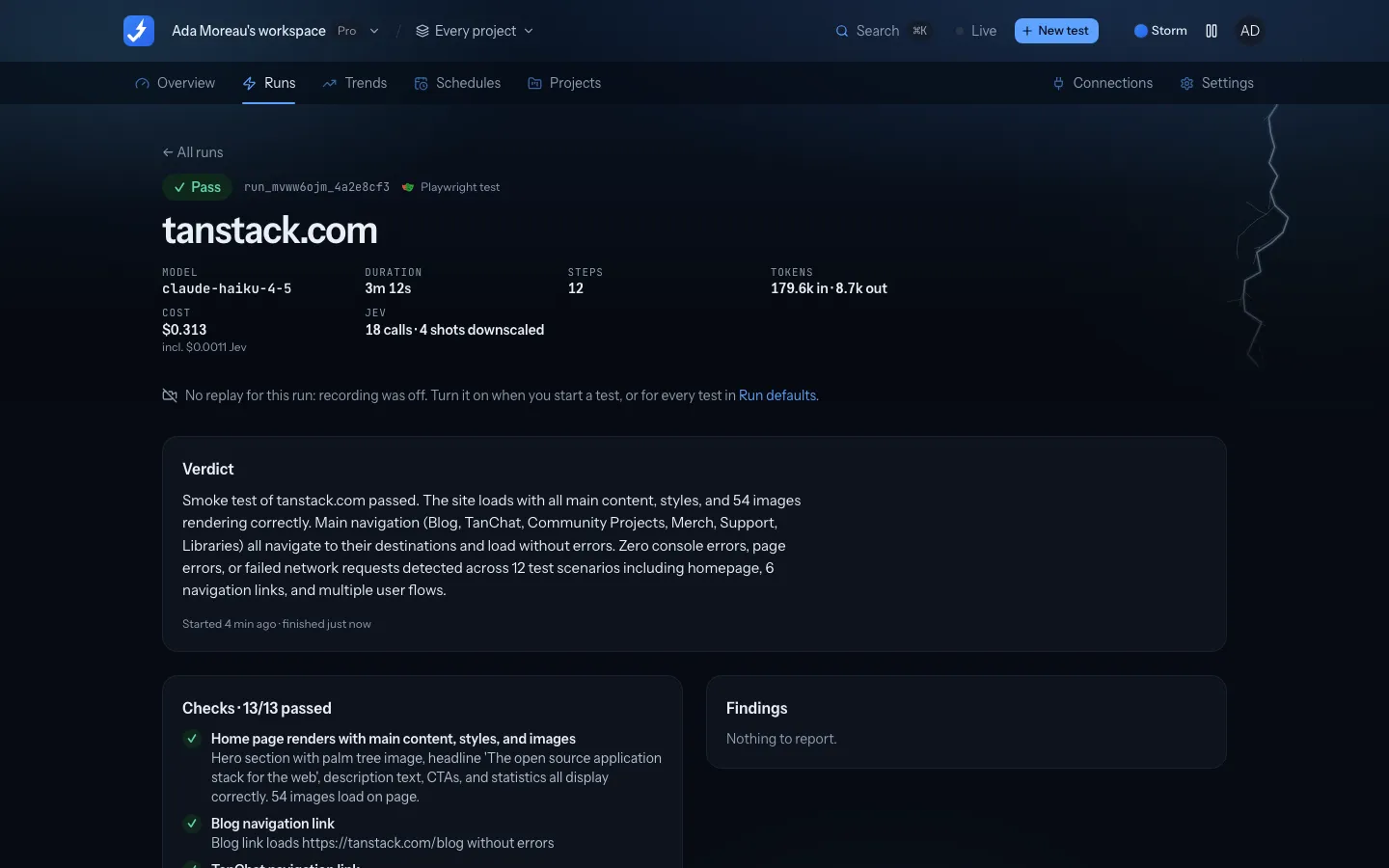
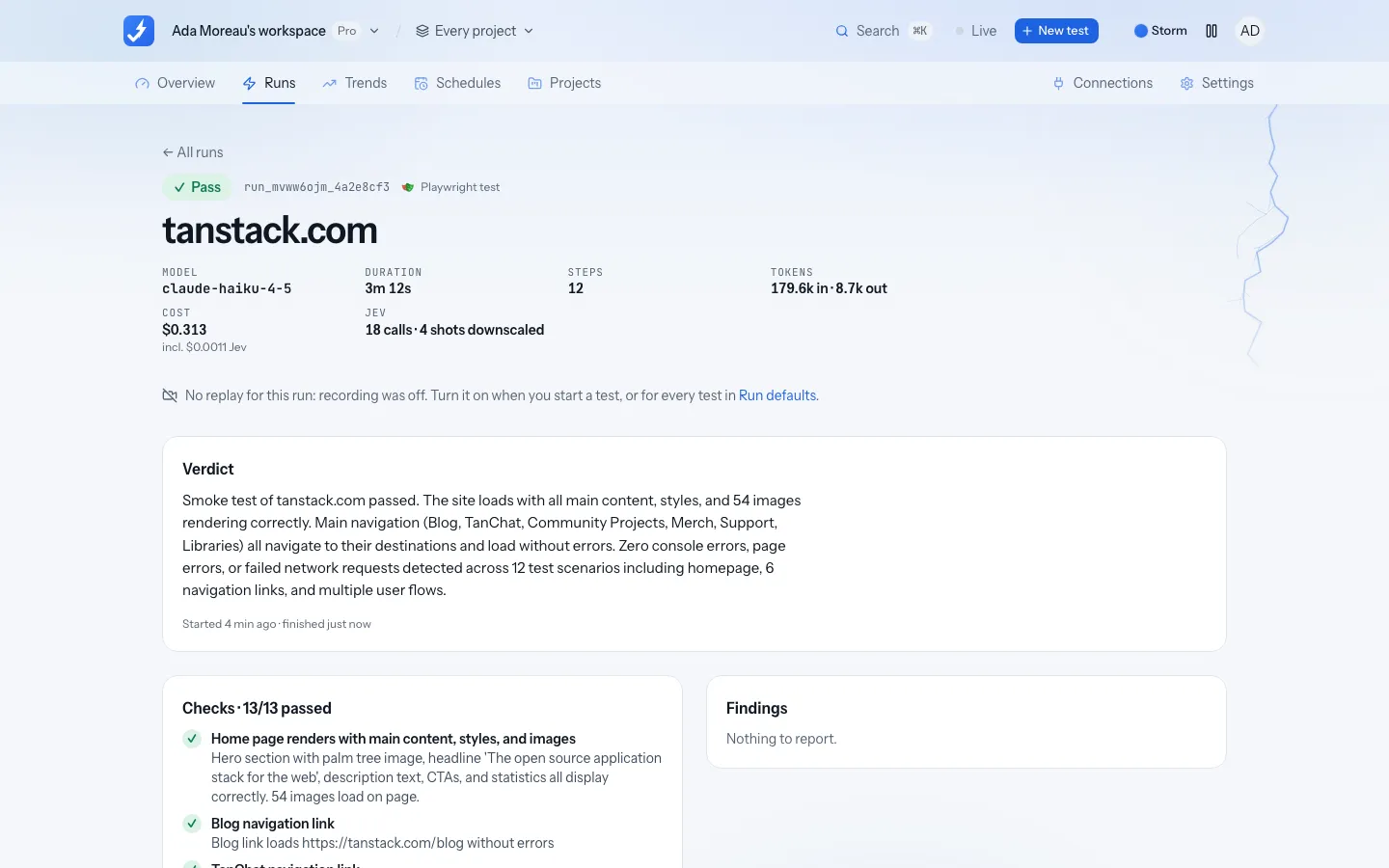
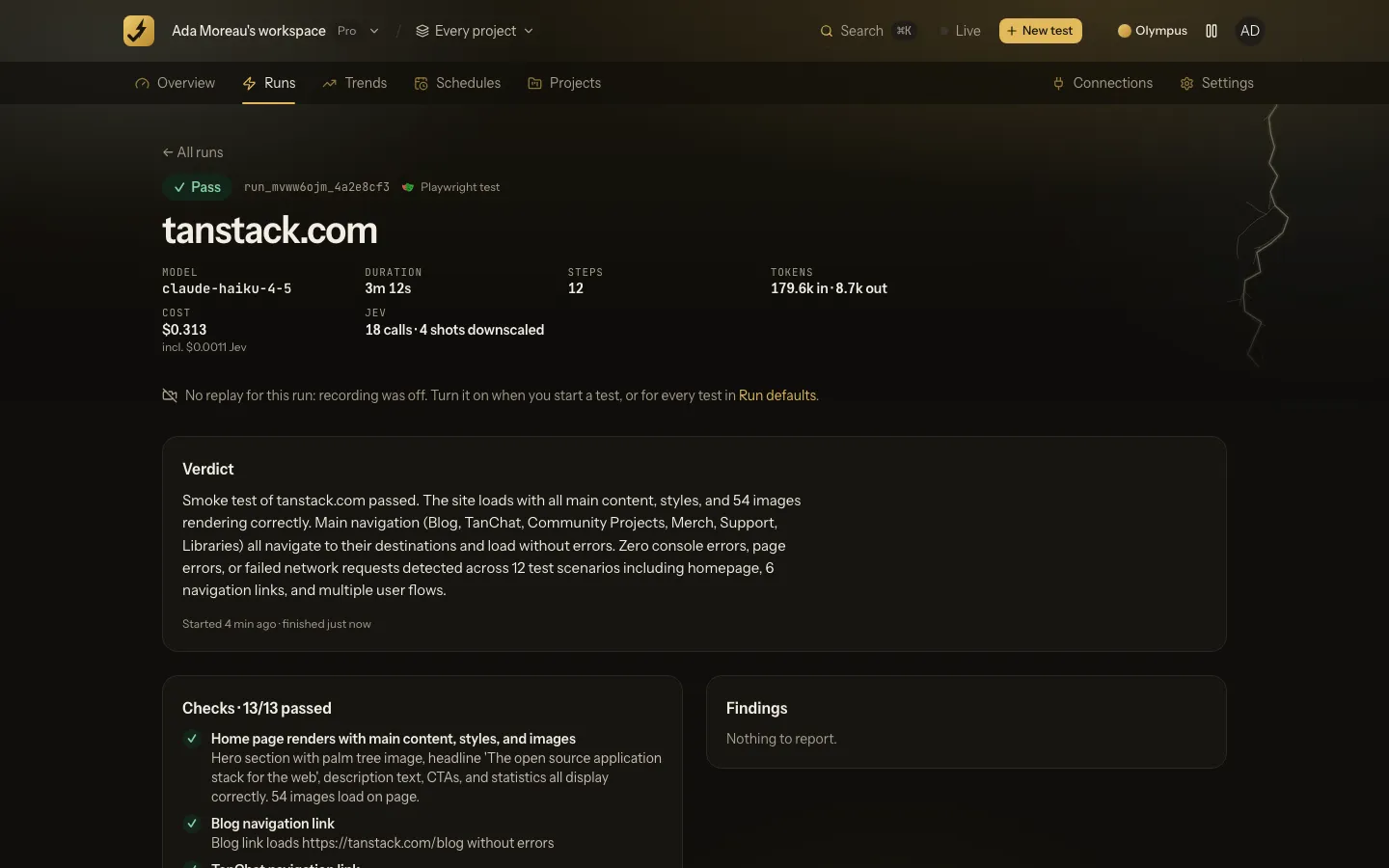
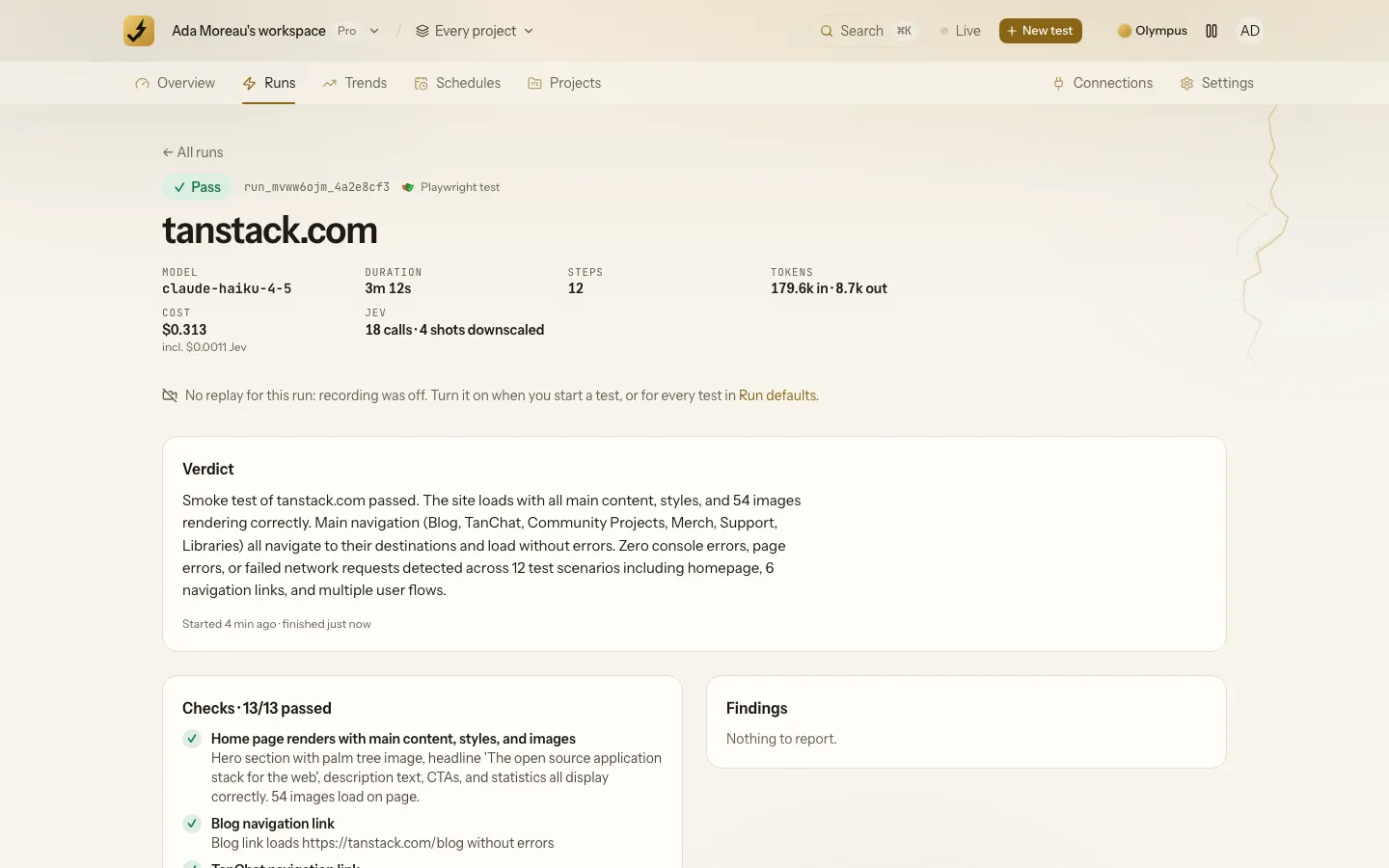
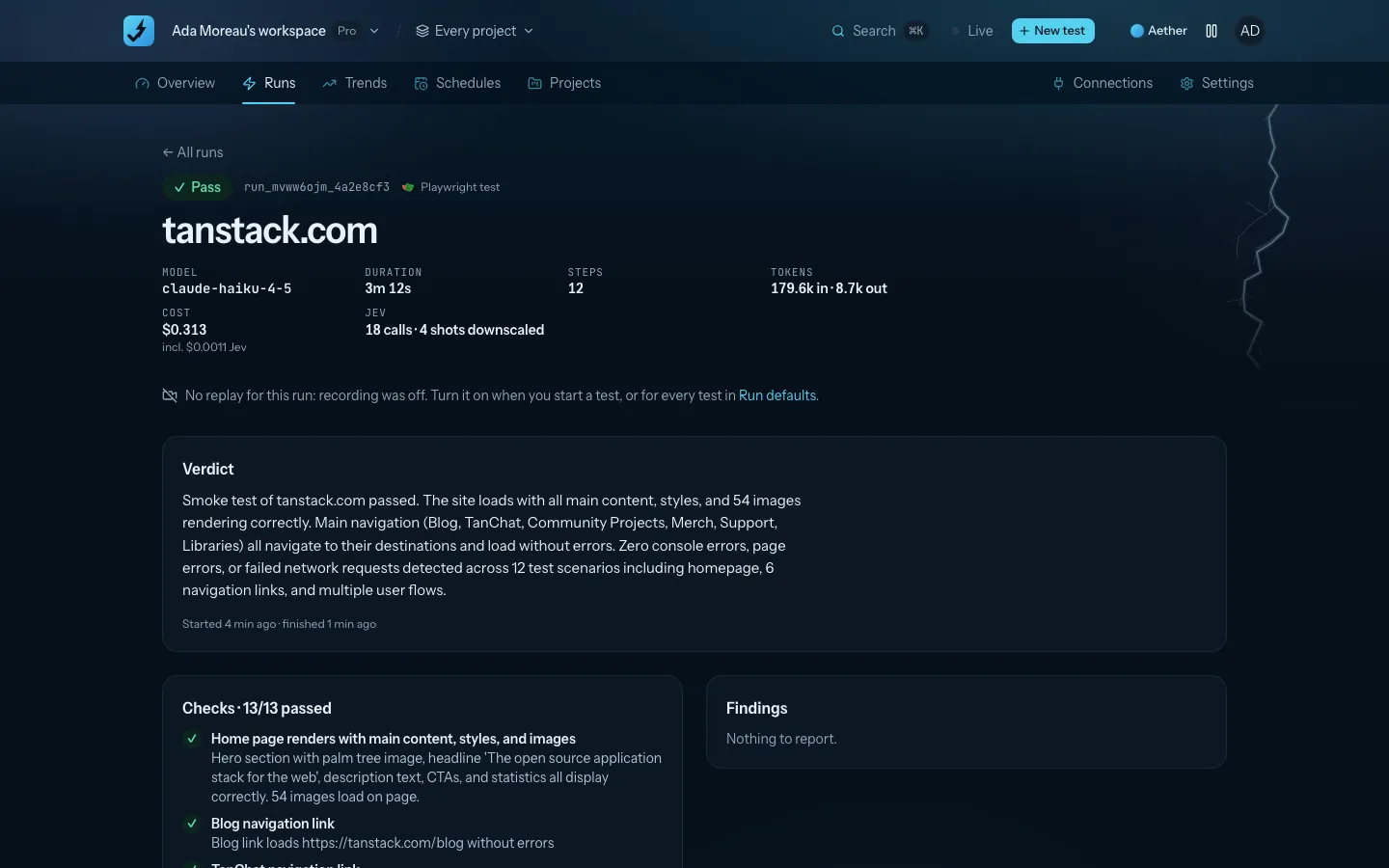
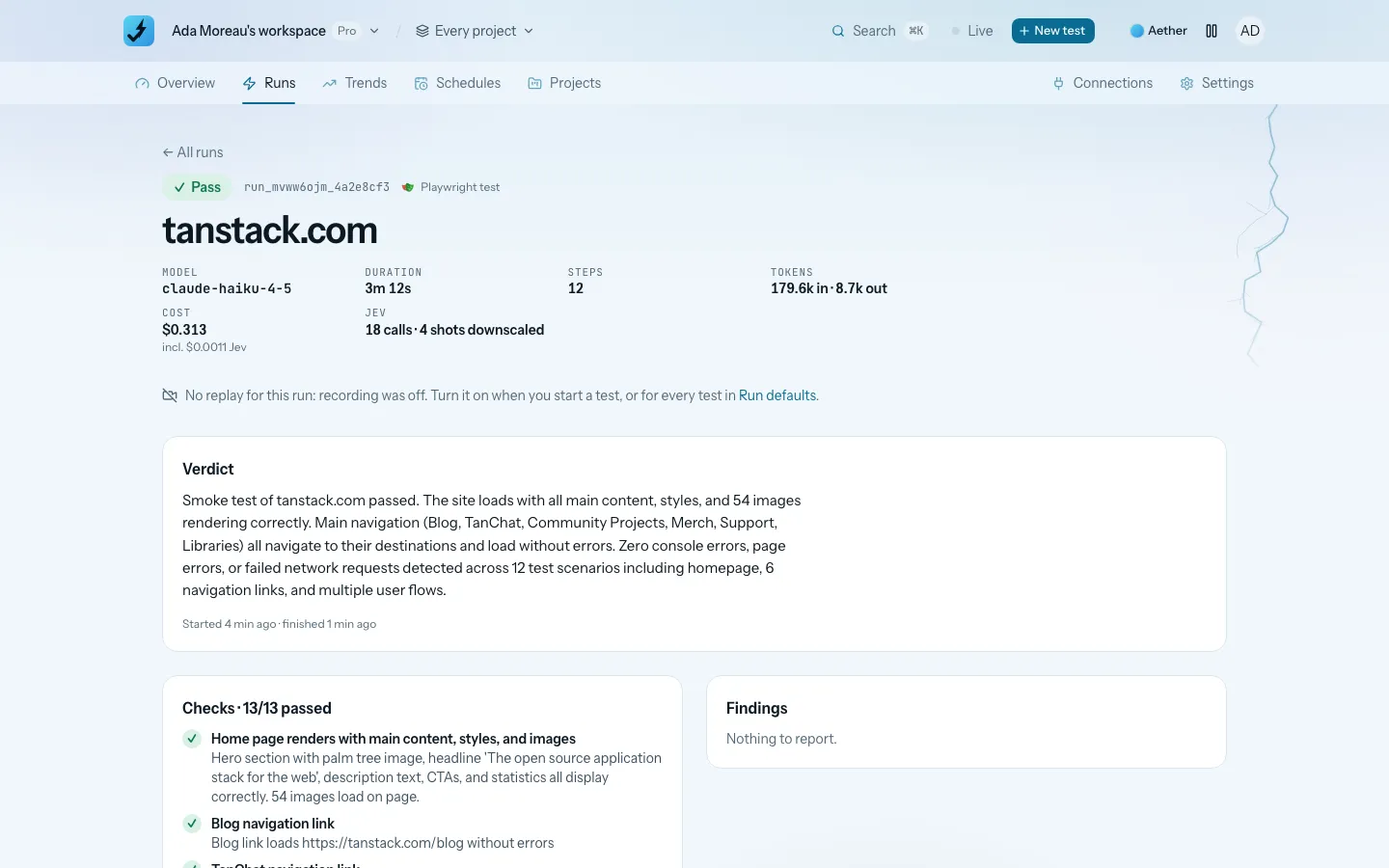
Your coding agent writes a fix and says it works. It has not opened a browser. With ZeusQA's MCP server it can.
One URL
Add https://zeusqa.ai/api/mcp to your client and sign in.
- Claude or ChatGPT: add a custom connector with the URL.
- Claude Code:
claude mcp add --transport http zeus-qa https://zeusqa.ai/api/mcp, then/mcp. - Cursor: put the URL in
.cursor/mcp.json.
Your browser opens ZeusQA. An owner or admin picks the workspace and whether the app may start tests, then allows it. Clients that cannot sign in can use an API token from Connections, MCP.
The loop
- The agent calls
start_testwith your URL and a goal. wait_for_runreturns the verdict.get_findingslists what broke, most severe first, with evidence and a suggested fix.get_stepsshows what the browser did.- The agent changes the code and calls
rerun. compare_runsshows which findings are fixed, new or still there.
There are 12 tools in all, and two prompts: fix_failing_run and test_my_change. get_playwright_test exports a run as a Playwright test to keep in your repository.
Access you control
Access is per workspace: "read and start tests" or "read only". Use read only for a teammate or an agent that should look but not run. You can disconnect any app in Connections. Tests started over MCP count toward your plan like any other run.
Findings come from pages that may hold untrusted text, so every tool tells the agent to use them to find the bug and never to follow instructions inside them.
See the MCP feature page for every tool.
Part of the ZeusQA blog. Follow new posts with the RSS feed, and every release in the changelog.
Try it on your own site
Paste a URL, describe the flow in plain English, and watch a real browser do it. Three runs free, no card.